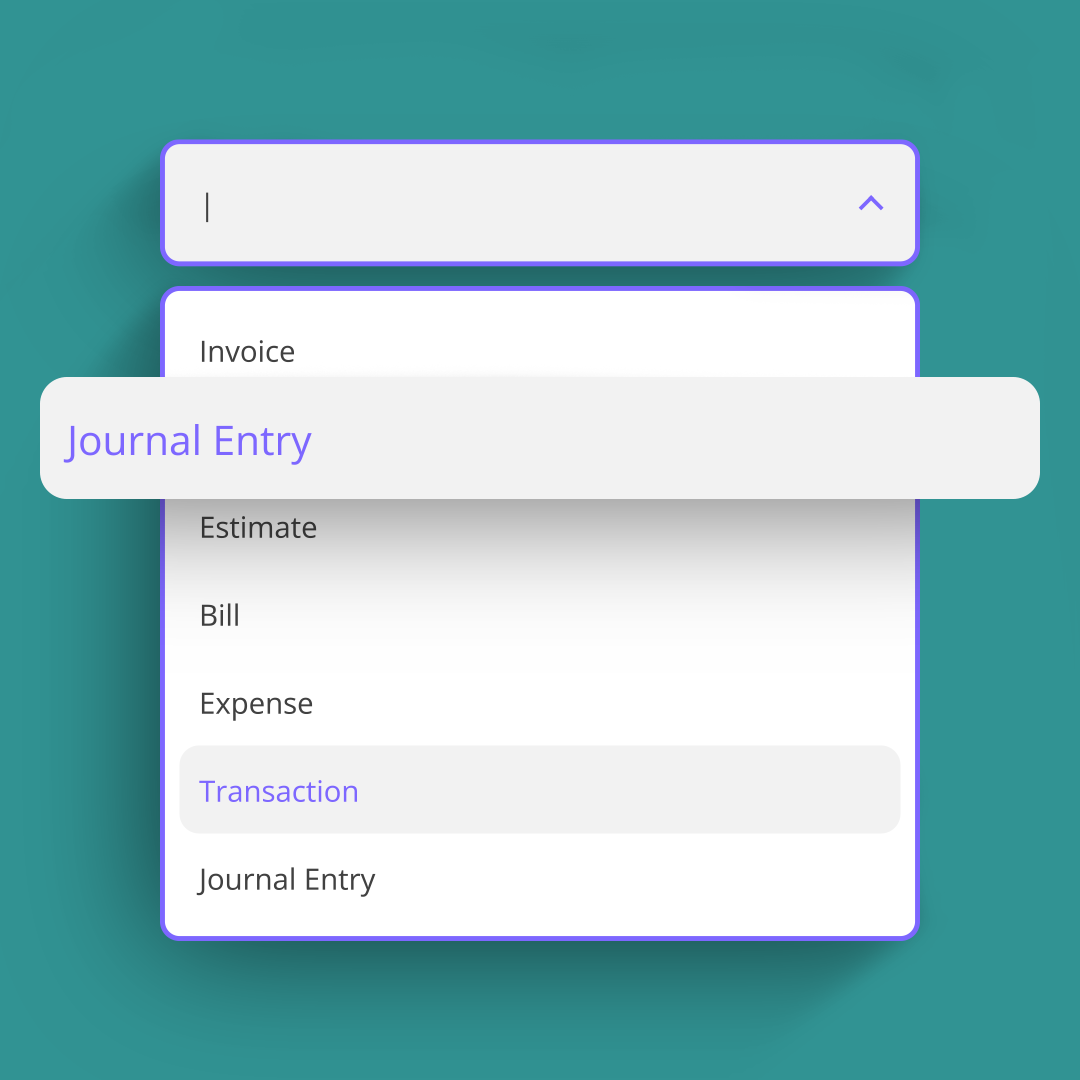
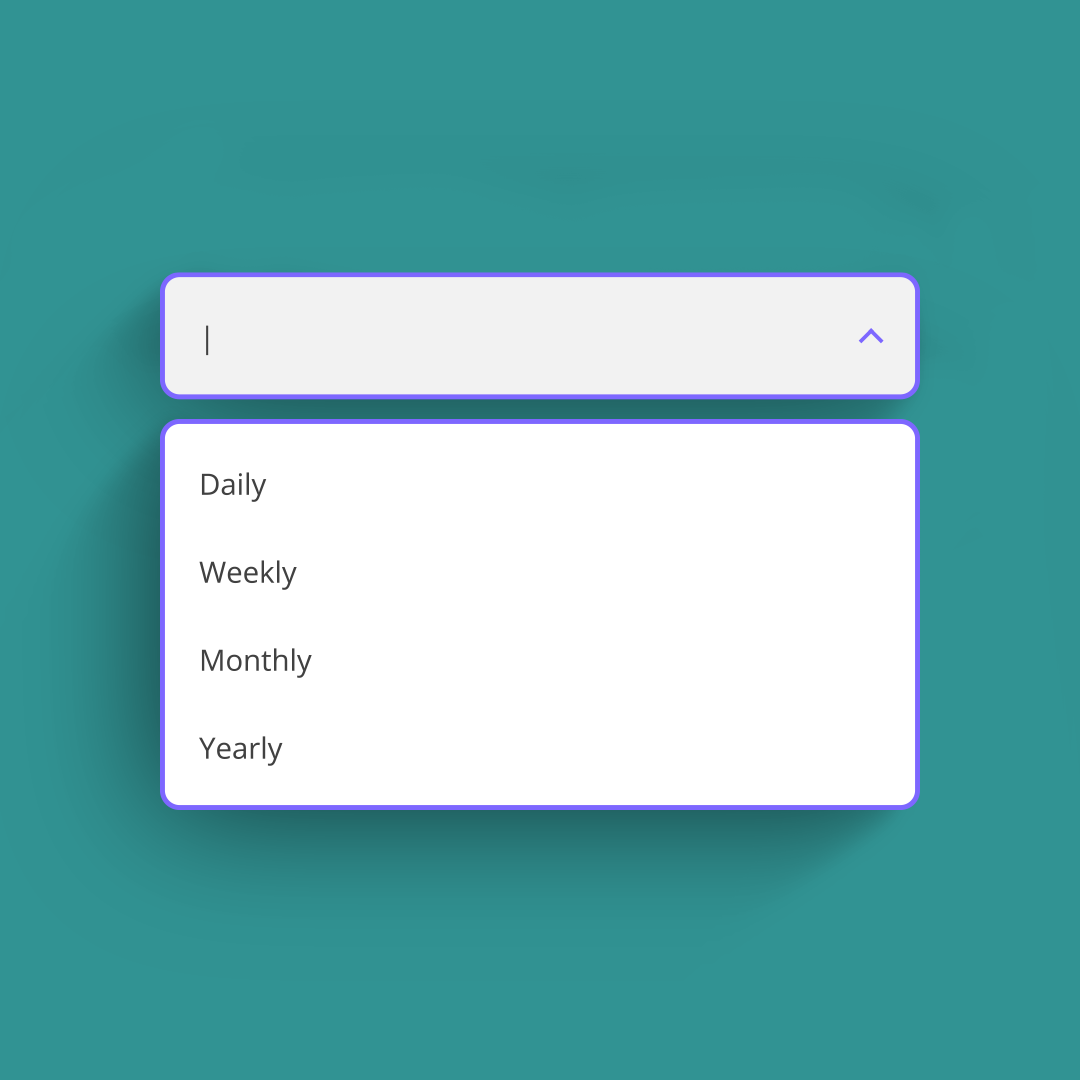
Automate recurring accounting tasks with Balabook Scheduler.

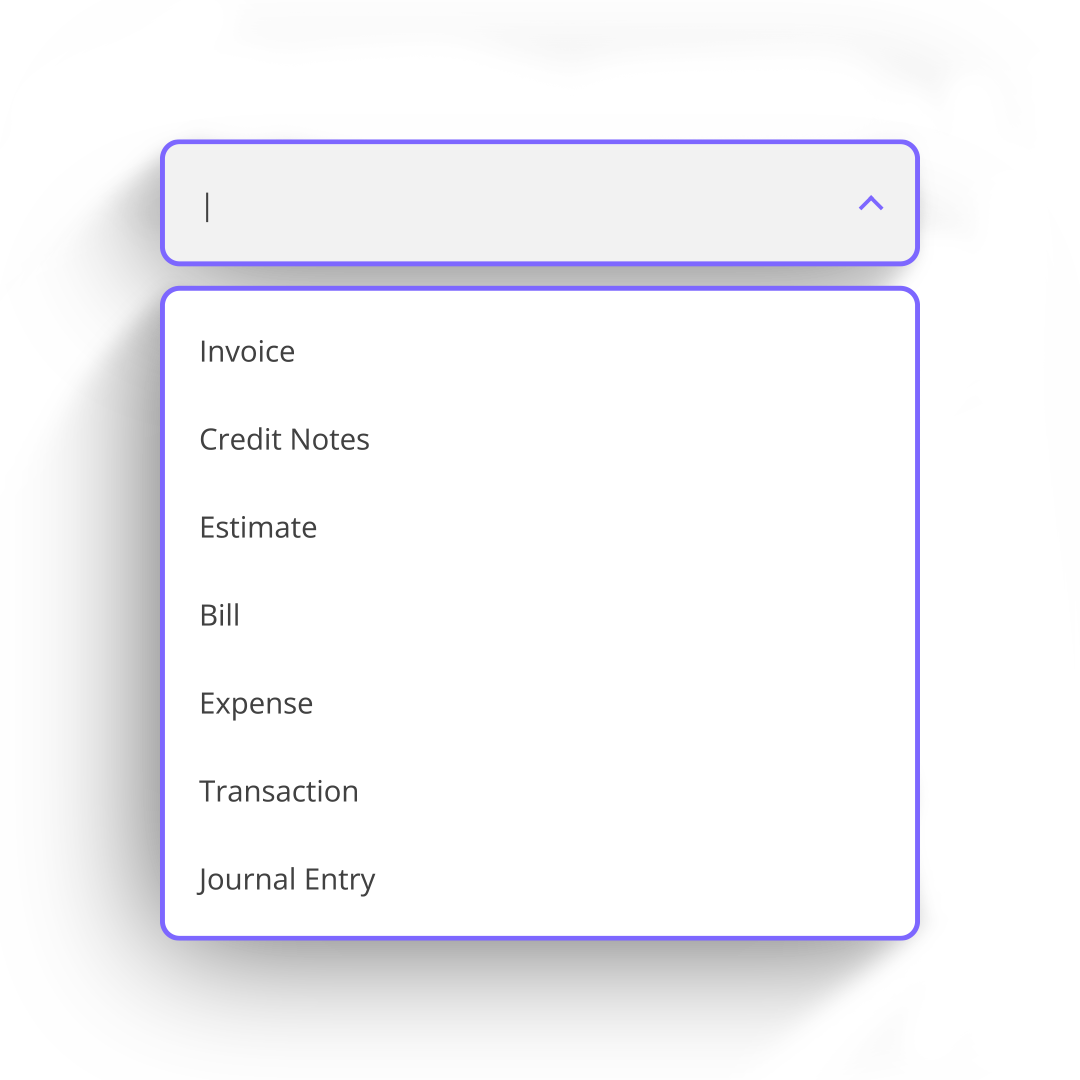
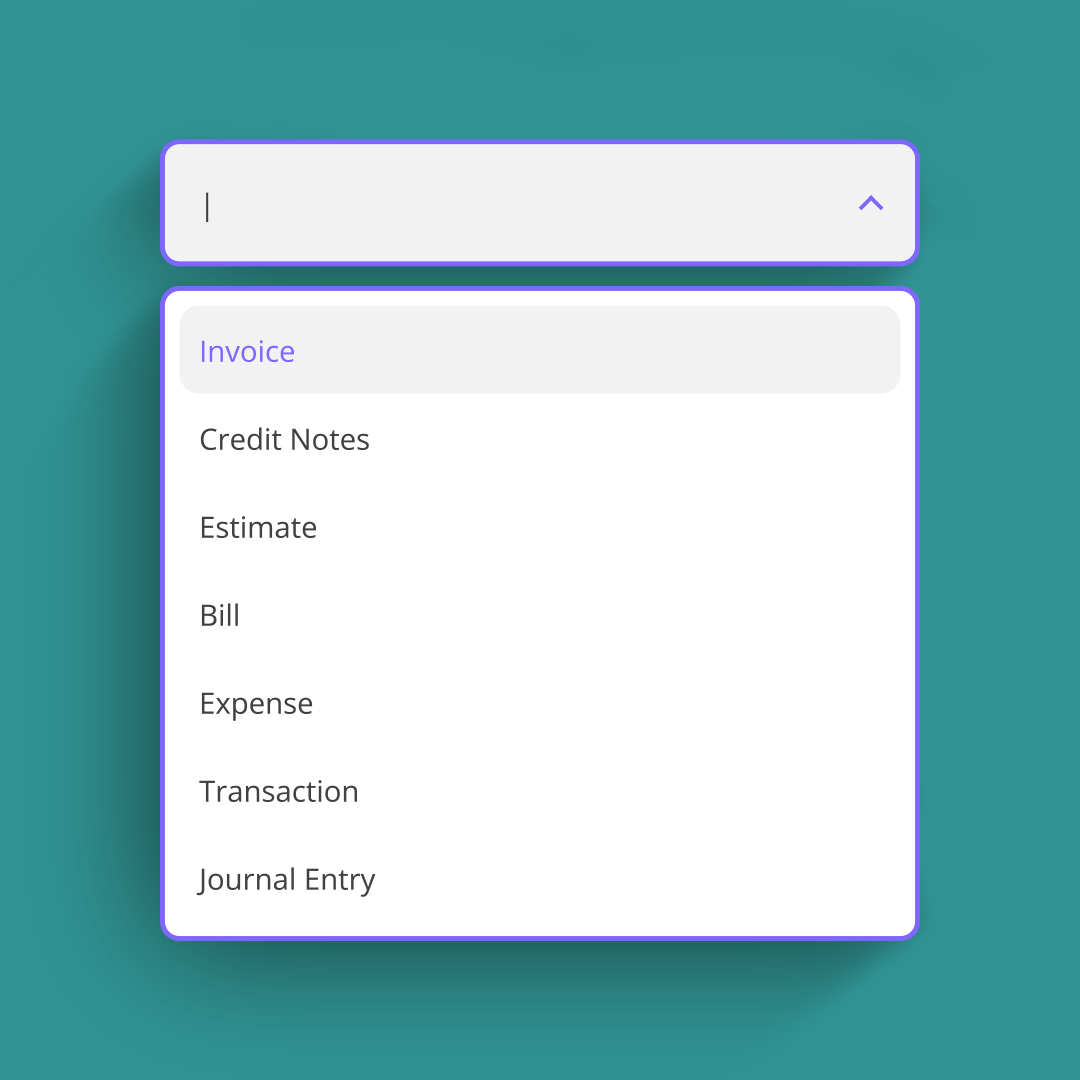
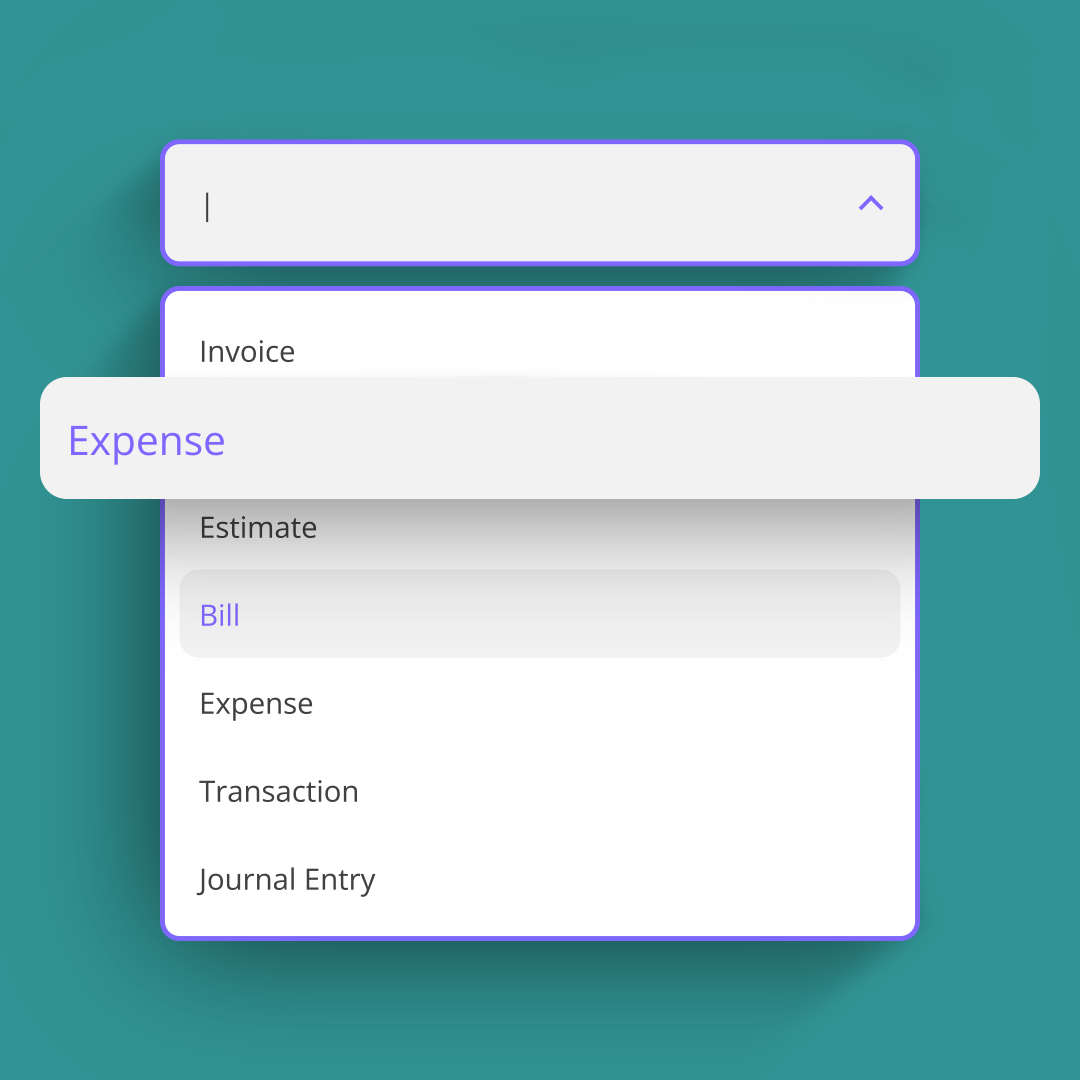
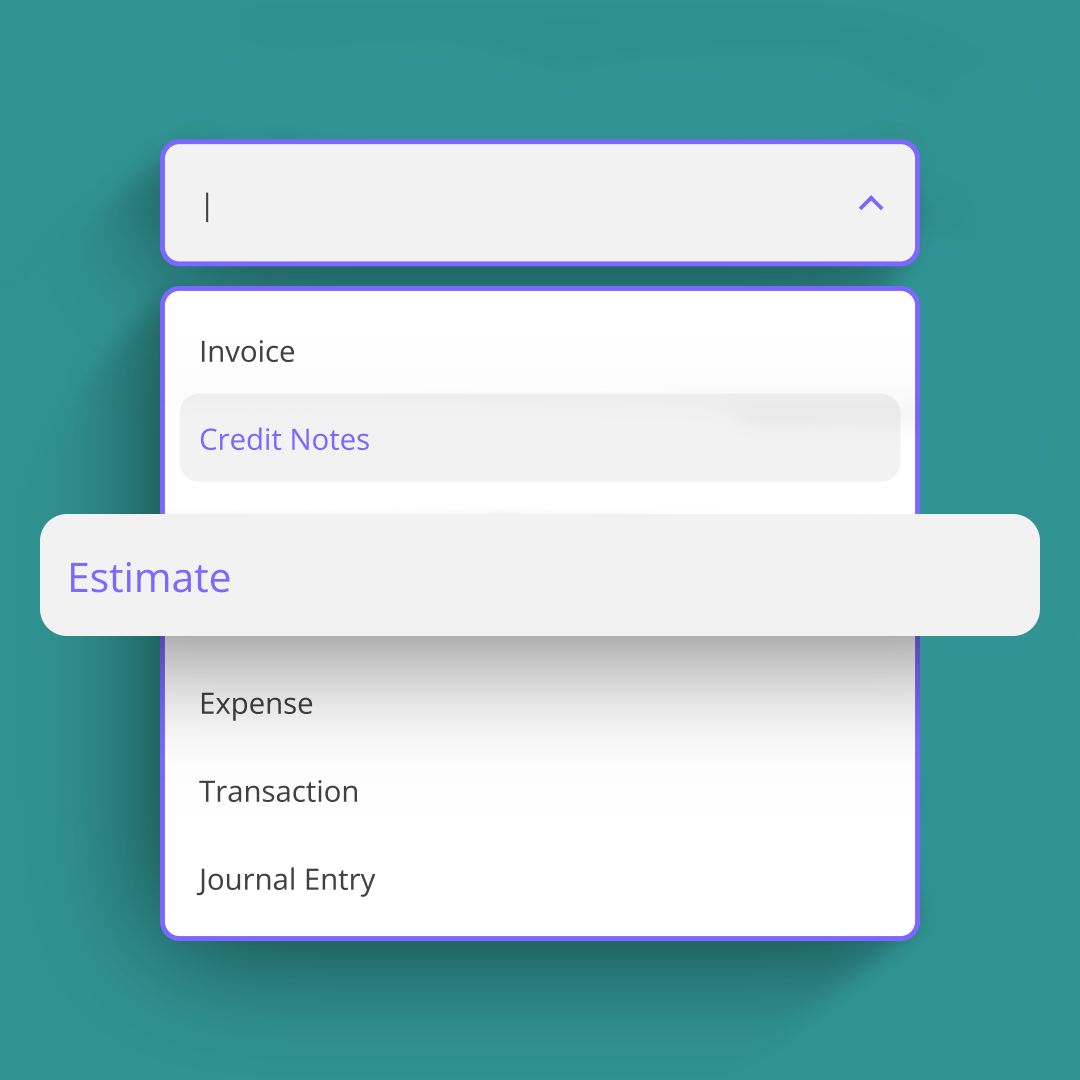
Set up recurring invoices, bills, expenses, credit notes, estimates, transactions and journal entries once, then let Balabook handle the schedule for you.

Balabook Scheduler helps Cyprus business owners and accountants save time, reduce repetitive work and keep recurring accounting tasks running smoothly.

Recurring accounting automation, without the repeated admin.

Many accounting tasks happen again and again. Monthly invoices. Regular bills. Repeating expenses. Scheduled journal entries. The work is predictable, but it still takes time if you have to create everything manually.

Balabook Scheduler lets you automate recurring accounting actions based on the timing that works for your business.
  • Automate recurring invoices.
  • Schedule credit notes and estimates.
  • Create recurring bills and expenses.
  • Automate recurring transactions.
  • Schedule journal entries.
  • Choose daily, weekly, monthly or yearly intervals.
  • Set when the schedule starts and when it ends.
  • Auto approve and email documents where applicable.

We know the struggles. Here’s how we fix them.

Pain Point
Balabook Solution
Recurring accounting tasks waste time.
Creating the same invoices, bills, expenses or entries every week or month quickly becomes repetitive.
Automated scheduling.
Set the recurring action once and let Balabook run it according to your chosen schedule.
Important tasks are easy to forget.
A missed invoice, bill or journal entry can create confusion later.
Scheduled actions.
Choose when each recurring action should run, so regular tasks happen on time.
Different tasks repeat in different ways.
Some actions happen weekly, others monthly, yearly or on specific days.
Flexible intervals.
Configure schedules daily, weekly, monthly or yearly, with the timing that matches your workflow.
Manual approval slows down routine work.
Some recurring documents do not need to be checked every single time.
Auto approval where applicable.
Let Balabook automatically approve recurring items when the workflow allows it.
Sending documents manually adds extra admin.
Recurring invoices or documents still need to reach the right person.
Automatic email sending where applicable.
Balabook can email scheduled documents automatically when supported.
Recurring work needs clear limits.
Some schedules run forever, others only apply for a fixed period.
Start and end controls.
Choose when the schedule starts and set when it should stop.

Schedule recurring invoices.

If you send the same invoice every week, month or year, Balabook Scheduler helps you automate the process.

Create the invoice once, choose the schedule and let Balabook generate it at the right time. Where applicable, Balabook can also approve and email the invoice automatically.

Perfect for retainers, subscriptions, ongoing services and regular client work.
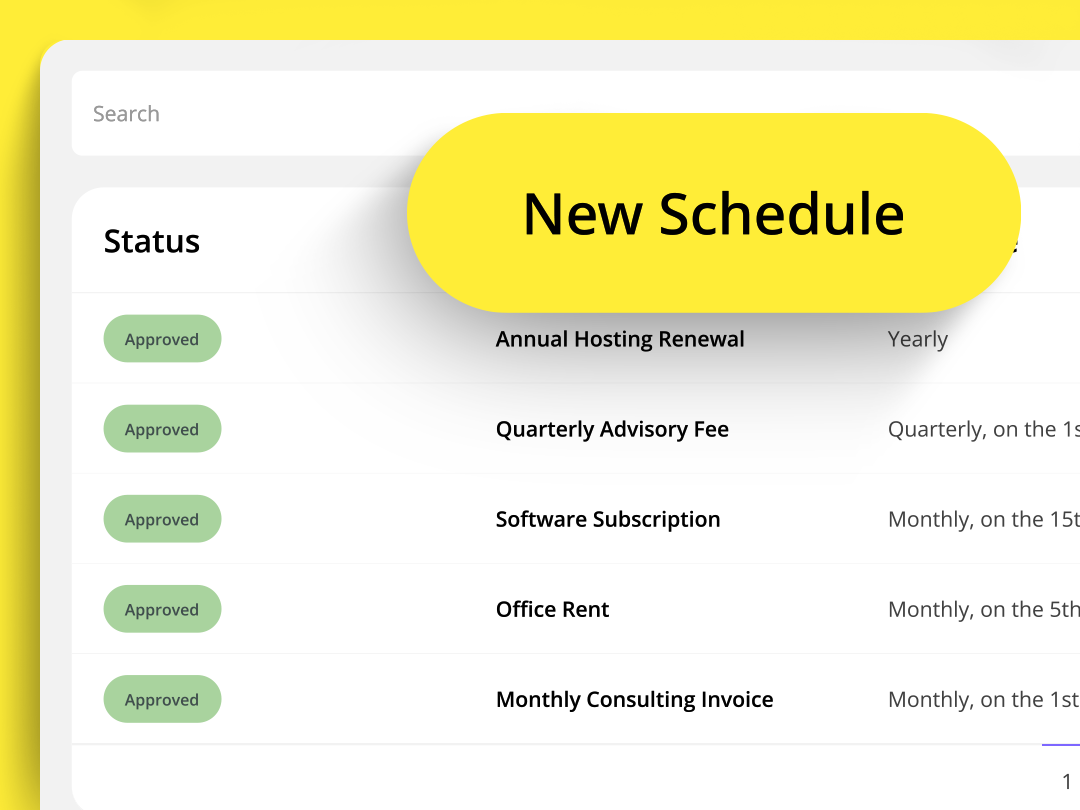
Automate recurring bills and expenses.

Regular bills and expenses should not need to be recreated manually every time.

Use Scheduler to automate repeat costs such as rent, software subscriptions, retainers, office expenses or other predictable payments. Choose how often they repeat and when the schedule should begin or end.

Schedule credit notes and estimates.

Balabook Scheduler can also support recurring credit notes and estimates where needed.

This helps you manage repeat workflows more consistently, especially when you work with clients, suppliers or projects that follow a regular pattern.

Automate transactions and journal entries.

Some accounting entries need to happen regularly.

With Balabook Scheduler, you can automate recurring transactions and journal entries, helping accountants and business owners keep regular records organised without recreating the same entries by hand.

Configure the schedule your way.

Every business works differently, so Balabook gives you flexible scheduling options.

Choose the interval that fits your workflow:
  • Daily
  • Weekly
  • Monthly
  • Yearly
You can also choose the specific day or timing, decide when the scheduled action should run for the first time, and set when it should end.

Auto approve and email where applicable.

Some recurring actions may need a final review. Others can run automatically.

Where the workflow allows it, Balabook Scheduler can auto approve scheduled actions and email documents automatically, helping reduce admin even further.

You stay in control by deciding how each schedule should work.

Balabook Scheduler key benefits.

1
Save time.
Stop recreating the same accounting tasks manually.
2
Reduce missed tasks.
Keep recurring invoices, bills, expenses and entries running on schedule.
3
Work your way.
Choose daily, weekly, monthly or yearly schedules based on your needs.
4
Keep records organised.
Recurring transactions and documents are created consistently inside Balabook.
5
Automate more than invoices.
Schedule invoices, credit notes, estimates, bills, expenses, transactions and journal entries.
6
Stay in control.
Set start dates, end dates and approval preferences where applicable.

FAQ's:

1. What is Balabook Scheduler?
SaaS Webflow Template - Manhattan - Created by Wedoflow.com and Azwedo.comSaaS Webflow Template - Manhattan - Created by Wedoflow.com and Azwedo.com
Balabook Scheduler is a recurring accounting automation feature that lets you schedule repeat actions such as invoices, credit notes, estimates, bills, expenses, transactions and journal entries.
2. What can I automate with Balabook Scheduler?
SaaS Webflow Template - Manhattan - Created by Wedoflow.com and Azwedo.comSaaS Webflow Template - Manhattan - Created by Wedoflow.com and Azwedo.com
You can automate recurring invoices, credit notes, estimates, bills, expenses, transactions and journal entries.
3. Can I choose how often a scheduled action repeats?
SaaS Webflow Template - Manhattan - Created by Wedoflow.com and Azwedo.comSaaS Webflow Template - Manhattan - Created by Wedoflow.com and Azwedo.com
Yes. You can schedule actions to repeat daily, weekly, monthly or yearly, depending on your needs.
4. Can I choose when the schedule starts?
SaaS Webflow Template - Manhattan - Created by Wedoflow.com and Azwedo.comSaaS Webflow Template - Manhattan - Created by Wedoflow.com and Azwedo.com
Yes. You can choose when the scheduled action will run for the first time.
5. Can I set an end date for a schedule?
SaaS Webflow Template - Manhattan - Created by Wedoflow.com and Azwedo.comSaaS Webflow Template - Manhattan - Created by Wedoflow.com and Azwedo.com
Yes. You can choose when a recurring schedule should end, so the action only runs for the period you need.
6. Can Balabook automatically approve scheduled actions?
SaaS Webflow Template - Manhattan - Created by Wedoflow.com and Azwedo.comSaaS Webflow Template - Manhattan - Created by Wedoflow.com and Azwedo.com
Where applicable, yes. Some scheduled actions can be auto approved depending on the workflow and settings.
7. Can Balabook email scheduled documents automatically?
SaaS Webflow Template - Manhattan - Created by Wedoflow.com and Azwedo.comSaaS Webflow Template - Manhattan - Created by Wedoflow.com and Azwedo.com
Where applicable, yes. Balabook can email scheduled documents automatically when the feature supports it.
8. Can I use Scheduler for recurring invoices?
SaaS Webflow Template - Manhattan - Created by Wedoflow.com and Azwedo.comSaaS Webflow Template - Manhattan - Created by Wedoflow.com and Azwedo.com
Yes. Scheduler is useful for recurring invoices such as retainers, subscriptions, regular services and repeat client work.
9. Can accountants use Scheduler?
SaaS Webflow Template - Manhattan - Created by Wedoflow.com and Azwedo.comSaaS Webflow Template - Manhattan - Created by Wedoflow.com and Azwedo.com
Yes. Accountants can use Scheduler to automate recurring entries, documents and accounting actions for regular client workflows.
10. Can I edit or stop a scheduled action?
SaaS Webflow Template - Manhattan - Created by Wedoflow.com and Azwedo.comSaaS Webflow Template - Manhattan - Created by Wedoflow.com and Azwedo.com
Yes. You can manage your schedules and adjust or stop recurring actions when your business needs change.