All-in-One Transactions & Ledger Management for Accounting Professionals.

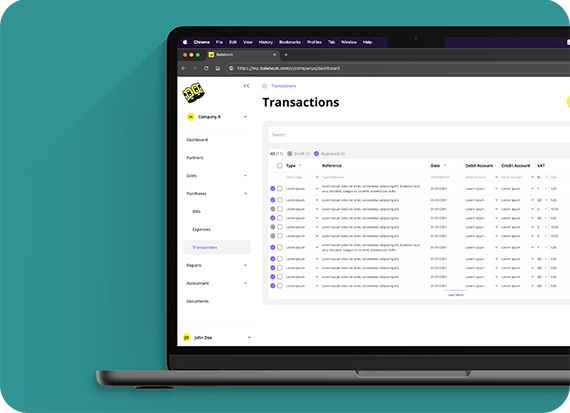
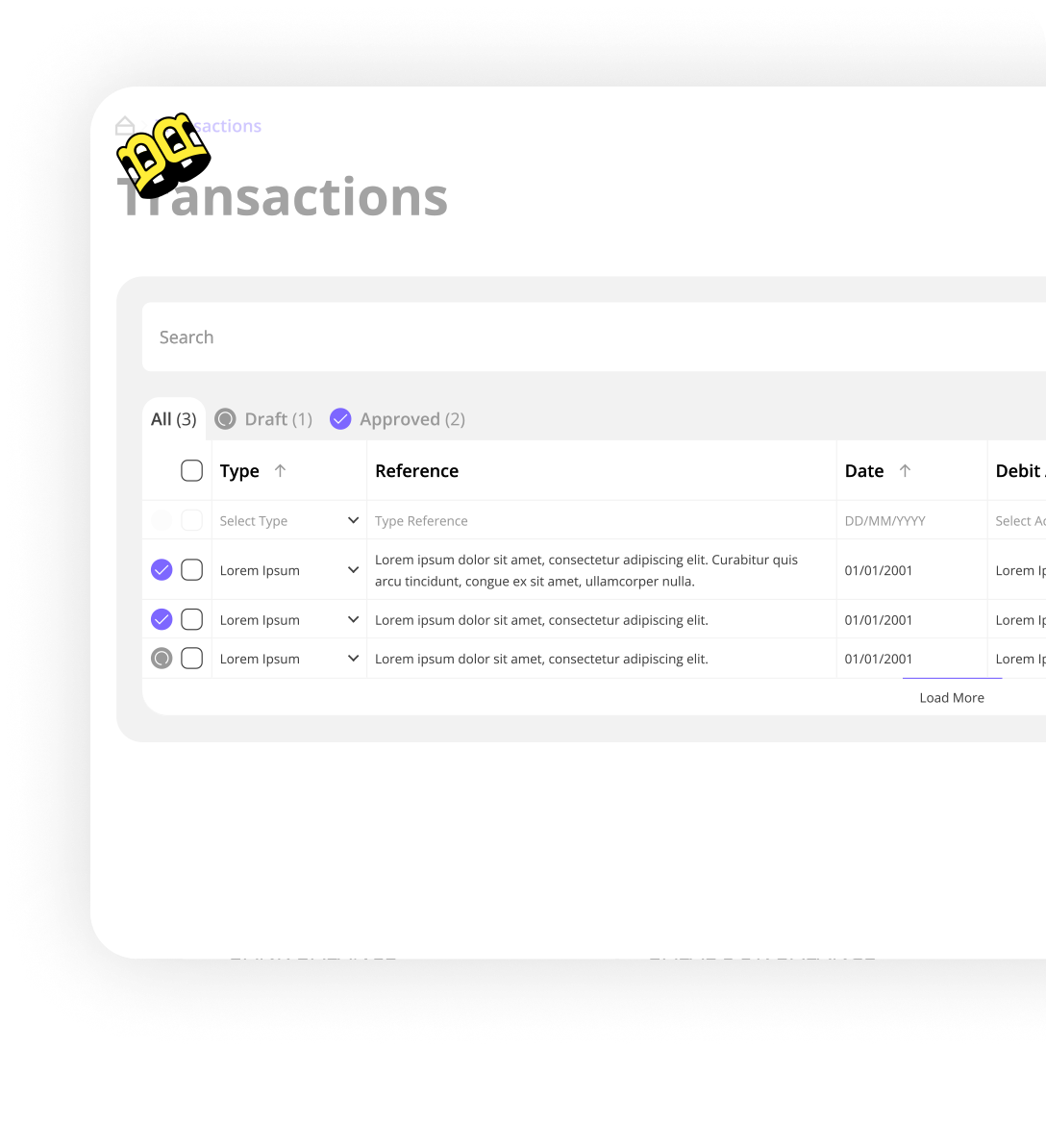
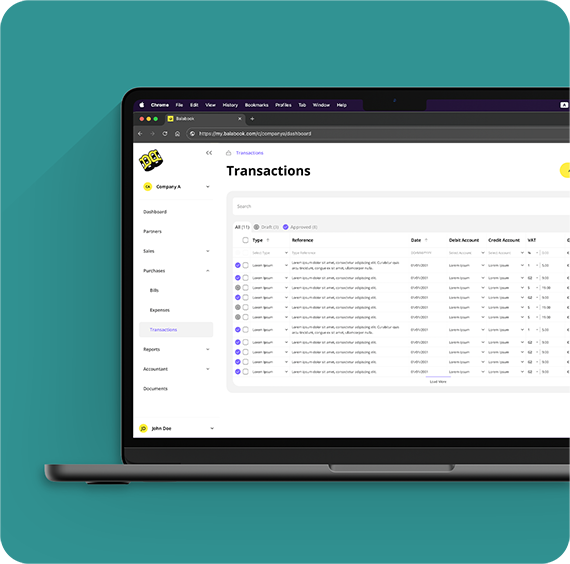
Balabook’s Transactions workspace is your central ledger, the place where every sale, expense, payment, and refund  comes together. It’s designed to be lightning-fast, easy to use, and powerful enough to handle everything from daily bookkeeping to detailed VAT and profit & loss reports.
Why You’ll Love It.

Bookkeeping shouldn’t feel like a chore.
With Balabook, recording and reviewing transactions becomes effortless. Fast entry, built-in accuracy, and AI that takes care of the heavy lifting behind the scenes.
  • Work faster: Log and review transactions quickly with a streamlined, keyboard-first design.
  • Less effort, more accuracy: Enter simple details, and Balabook takes care of the double-entry accounting in the background.
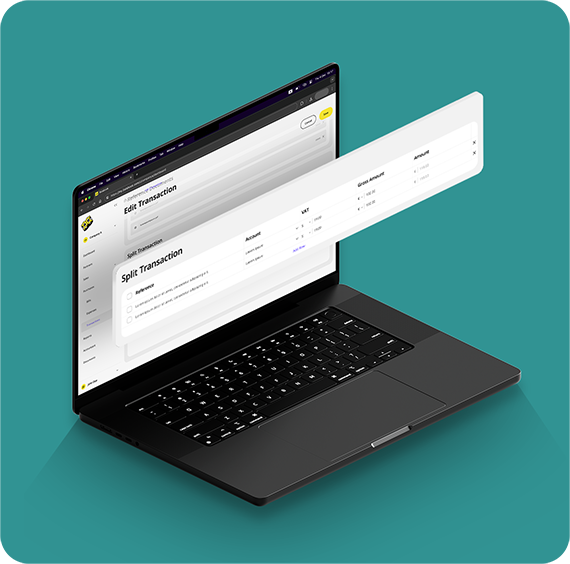
  • Never miss the details: Expand transactions into multiple lines for mixed VAT rates or different revenue streams.
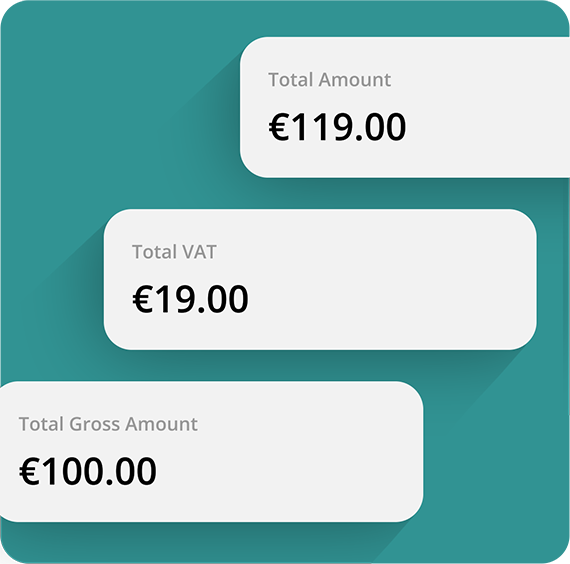
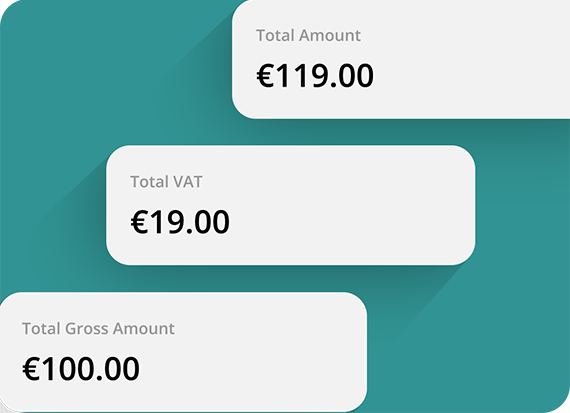
  • Be tax-ready: Every entry is VAT-aware and flows directly into your reports.
  • Stay organised: Scroll through your financial history in an easy-to-read timeline and find what you need instantly.

Why It Matters.

Balabook’s Transactions workspace helps you:
  • Save hours with faster entry and AI-driven document parsing.
  • Stay compliant by making every transaction VAT-ready automatically.
  • Keep complete control with a clear timeline and powerful search.
  • Focus less on bookkeeping and more on growing your business.

We know the struggles. Here's how we fix them.

Pain Point
Balabook Solution
Manual data entry slows you down.
Accountants waste hours entering transactions line by line and constantly switching between mouse and keyboard.
Keyboard-first entry.
Capture and submit transactions in seconds using a streamlined, keyboard-driven workflow that keeps you in flow.
Complex invoices create VAT chaos.
Handling multiple VAT rates or expense categories manually can lead to errors and delays.
Split and expand with ease.
Break down invoices into multiple line items and automatically apply the right VAT per line.
VAT compliance is stressful.
Missing details like exemptions or reverse charges can cause costly VAT reporting issues.
Always VAT-ready.
Balabook applies VAT codes by default, with built-in support for exemptions, reverse charges, and multiple rates.
Data extraction takes forever.
Manually pulling amounts, VAT, and dates from invoices or receipts increases errors and wastes time.
AI-powered document parsing.
Upload receipts or invoices. Balabook reads them, extracts key data, and drafts your entry automatically.
Searching past records is painful.
Digging through spreadsheets or clunky systems to find one transaction can take ages.
Smart timeline & powerful search.
Filter by date, type, account, or keyword to instantly locate any transaction, even in thousands of records.
Not everyone knows double-entry.
Small businesses or junior staff often make mistakes without formal accounting training.
Automatic double-entry.
Balabook applies correct debits, credits, and tax treatment behind the scenes, ensuring accuracy without the jargon.

Fast, Keyboard-First Entry

Work at your natural speed. Tab through fields, search, and submit entries without touching your mouse. Smooth, fast, and built for high-volume accounting. Like magic!

Automatic Double-Entry

Balabook handles the complexity for you. It automatically applies the correct debit, credit, and VAT treatment for every transaction.

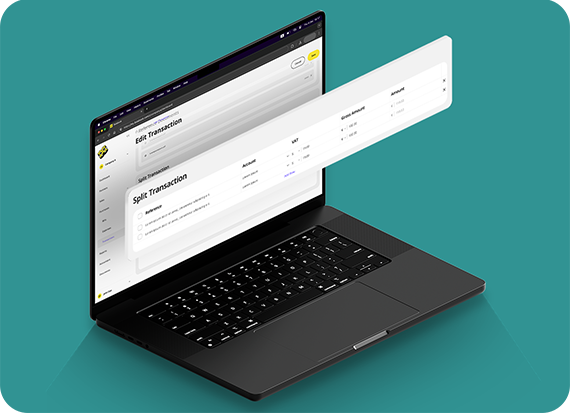
Split and Expand with Ease

Invoices with multiple VAT rates? Expenses covering different categories? Expand transactions into detailed line items so everything is recorded accurately and tax-ready.

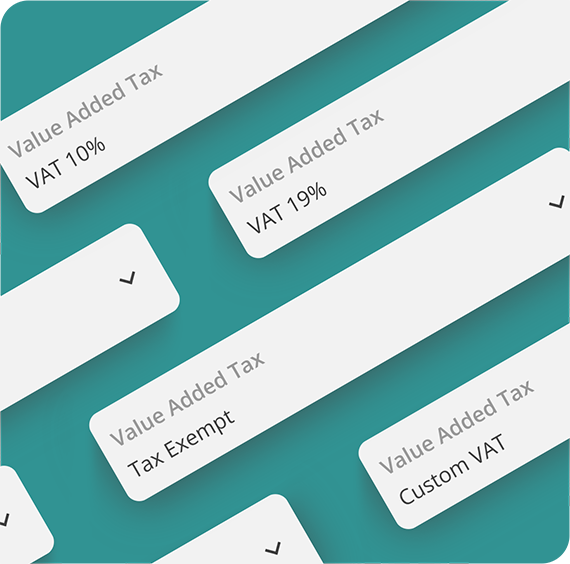
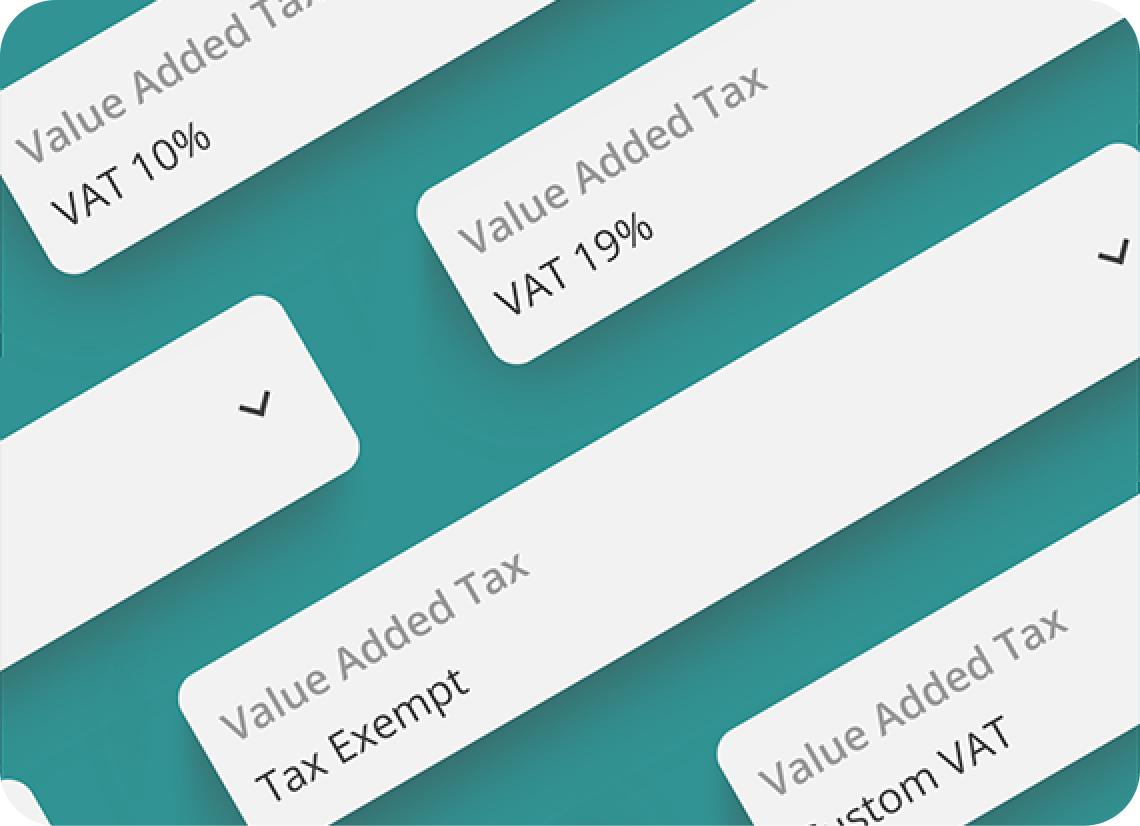
Always VAT-Ready

Every entry captures VAT treatment per line, including exemptions, reverse charges, and multiple tax rates keeping your reports accurate by default.

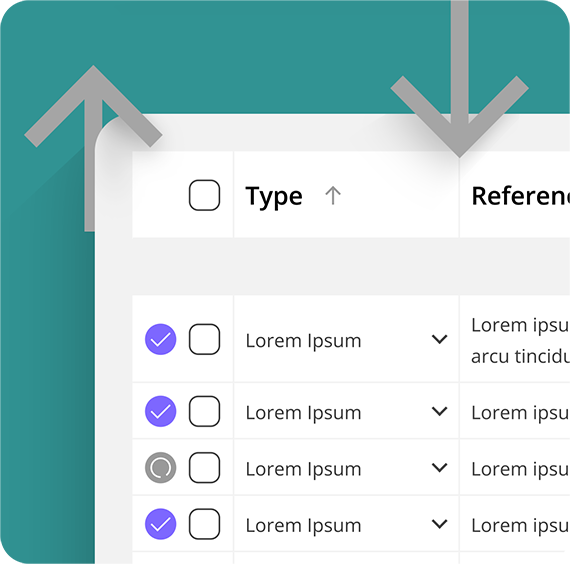
Smart Timeline and Search

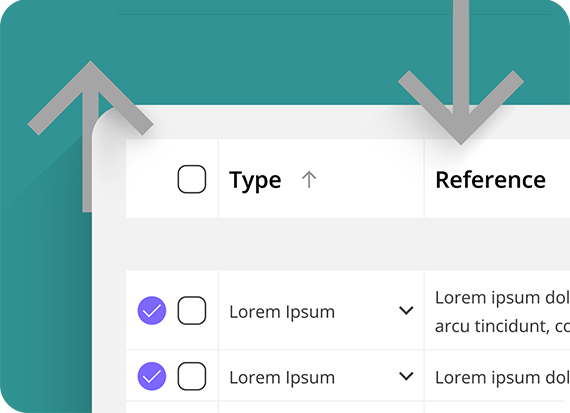
Scroll through transactions chronologically, expand rows for detail, and use powerful filters to find records by date, type, account, or keyword even in huge datasets.

AI-Powered Document Parsing

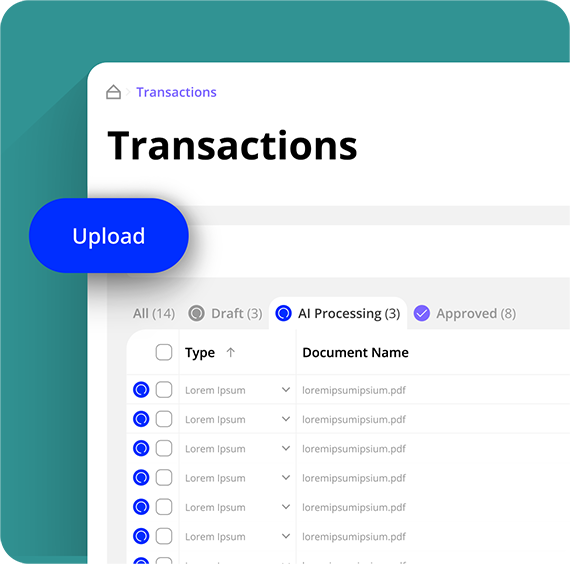
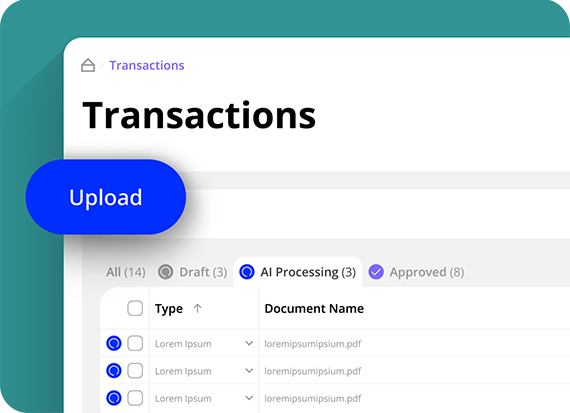
Upload receipts or invoices, and Balabook’s AI will scan and extract key details like amounts, VAT, and dates to create a draft entry for you to confirm in seconds.

FAQ's:

1. What can I record in Transactions?
SaaS Webflow Template - Manhattan - Created by Wedoflow.com and Azwedo.comSaaS Webflow Template - Manhattan - Created by Wedoflow.com and Azwedo.com
Sales, expenses, refunds, payments, and internal transfers.
2. Do I need to know double-entry accounting?
SaaS Webflow Template - Manhattan - Created by Wedoflow.com and Azwedo.comSaaS Webflow Template - Manhattan - Created by Wedoflow.com and Azwedo.com
No, Balabook handles the debits, credits, and tax treatment automatically.
3. Can I handle complex transactions?
SaaS Webflow Template - Manhattan - Created by Wedoflow.com and Azwedo.comSaaS Webflow Template - Manhattan - Created by Wedoflow.com and Azwedo.com
Yes, split entries across multiple lines for mixed VAT rates or multiple categories.
4. How does search work?
SaaS Webflow Template - Manhattan - Created by Wedoflow.com and Azwedo.comSaaS Webflow Template - Manhattan - Created by Wedoflow.com and Azwedo.com
You can filter by date, type, amount, tax code, or keyword, even with 10,000+ records.
5. Can I upload receipts and invoices?
SaaS Webflow Template - Manhattan - Created by Wedoflow.com and Azwedo.comSaaS Webflow Template - Manhattan - Created by Wedoflow.com and Azwedo.com
Yes, upload a document and Balabook will extract the details and create a draft entry instantly.