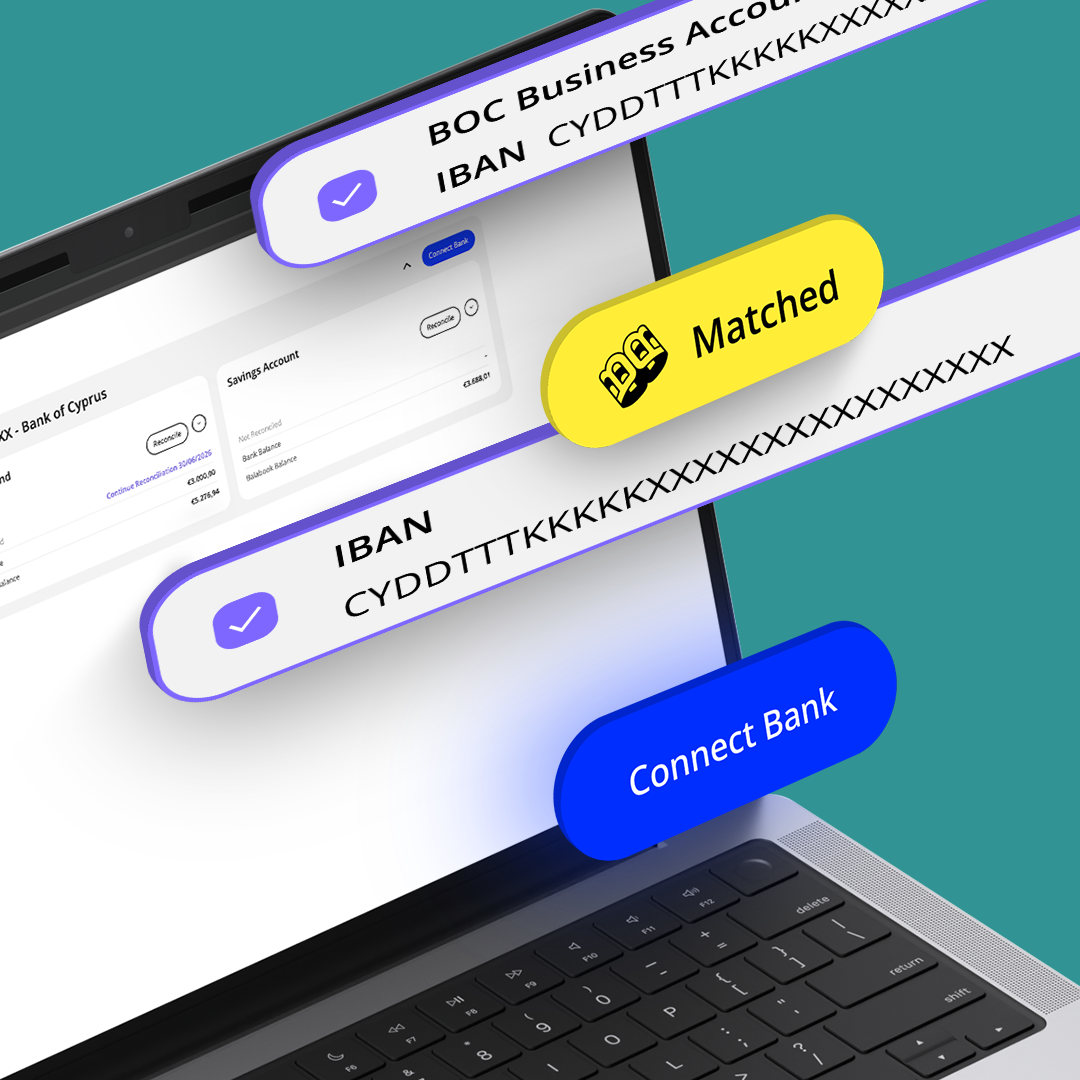
AI bank reconciliation software without the manual matching.

Upload your bank statement and let Balabook AI help reconcile your transactions automatically.

Balabook reads your bank statement, compares it with your accounting records, and helps match bank activity with invoices, expenses, bills and other transactions. You stay in control by reviewing the results before anything is confirmed.

No bank connection needed. No line by line checking. Just upload, review and approve.

Bank reconciliation without the manual headache.

Balabook helps business owners and accountants reconcile bank activity faster using uploaded bank statements and AI powered matching.

Instead of manually checking every bank line against your books, upload your statement and let Balabook AI help identify matching records, flag anything uncertain, and prepare the reconciliation for review.
  • Upload your bank statement.
  • Let Balabook AI read and process the transactions.
  • Match bank activity with invoices, expenses, bills and other records.
  • Review suggested matches before confirming.
  • Check unmatched items manually when needed.
  • Keep your books accurate with less repetitive work.

We know the struggles. Here’s how we fix them.

Pain Point
Balabook Solution
Manual reconciliation takes too long.
Checking bank statements against accounting records line by line can eat up hours every month.
AI bank statement reconciliation.
Upload your bank statement and Balabook AI helps read, compare and match transactions automatically.
Bank feeds are not always simple.
Connecting bank accounts can be complicated, unavailable or unnecessary for some businesses.
No bank connection needed.
Balabook works from uploaded bank statements, so you can reconcile without linking directly to your bank account.
Matching transactions is repetitive.
Payments, invoices, expenses and bank lines often need to be checked one by one.
AI matching suggestions.
Balabook AI helps match bank activity with your accounting records, reducing repetitive manual checking.
Mistakes are easy to miss.
Small differences, missing records or duplicate transactions can create bigger problems later.
Clear review and approval.
See what was matched, review anything uncertain and approve the reconciliation before it is confirmed.
Not every transaction is obvious.
Some payments have missing references, unclear descriptions or need human judgement.
Manual review when needed.
Unmatched or uncertain items can be checked, edited and matched manually.
Month end reconciliation causes stress.
Leaving reconciliation until the end of the month makes it harder to understand what changed.
Faster, more regular reconciliation.
Upload statements when needed and keep your books cleaner throughout the month.

Upload your bank statement.

Start by uploading your bank statement into Balabook.

There is no need to connect directly to your bank account. This gives you more control over when and how reconciliation happens, while still removing much of the manual matching work.

Let AI match your transactions.

Balabook AI reads your uploaded bank statement and compares the transactions with your accounting records.

It helps match bank activity with invoices, expenses, bills, payments and other transactions, so you can move through reconciliation faster.

AI does the first pass. You stay in control.
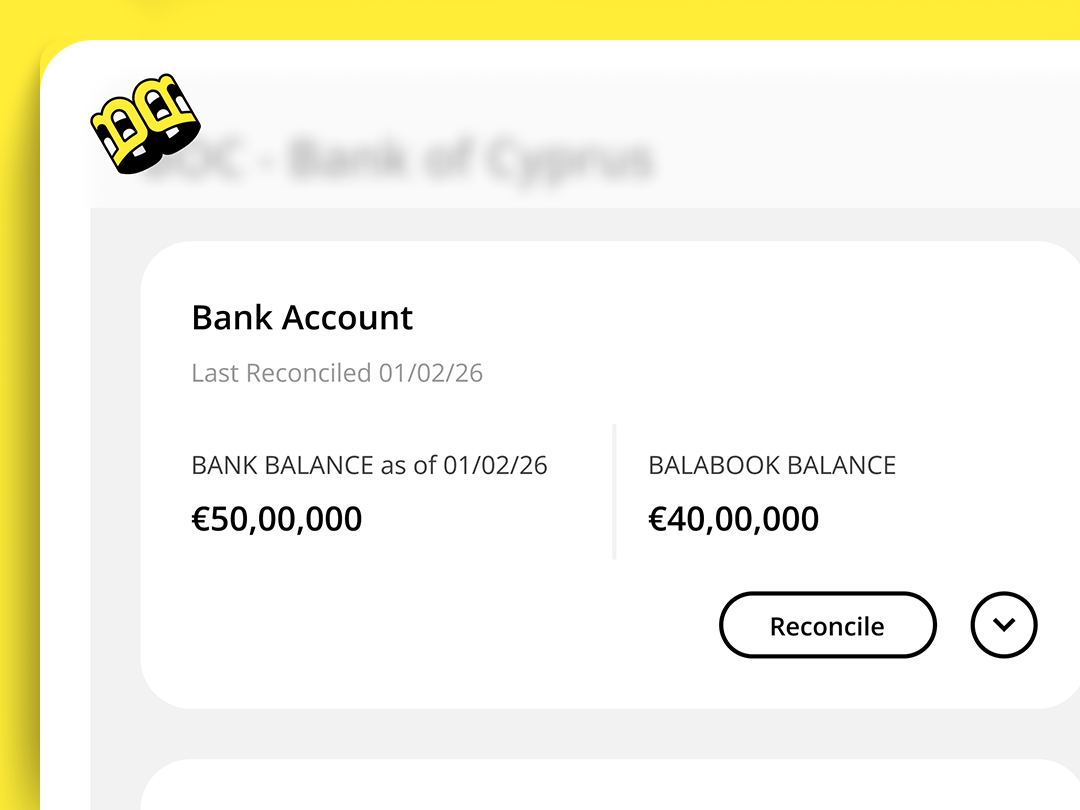
Review and approve before anything is confirmed.

Bank reconciliation needs accuracy, not blind automation.

Balabook gives you suggested matches, but you can review the results before confirming them. If something does not look right, you can edit, correct or match it manually.

Spot discrepancies faster.

Unmatched items can point to missing invoices, unrecorded expenses, duplicate entries or transactions that need more information.

Balabook helps you see what has been matched and what still needs attention, so you can correct issues before they affect your reports.

Manual review when you need it.

Some transactions need human judgement.

If Balabook AI cannot confidently match a transaction, you can review it manually, check the details and choose the correct record. This keeps reconciliation faster without removing your control.

Balabook bank reconciliation key benefits.

1
Faster reconciliation.
Build professional invoices in a few clicks and save an average of 10 hours per week with Balabook’s invoicing feature.
2
Less manual checking.
Reduce the time spent comparing bank lines with invoices, bills, expenses and other records.
3
No bank connection needed.
Use uploaded bank statements instead of relying on direct bank feeds.
4
Full control.
Review, edit and approve matches before the reconciliation is confirmed.
5
Cleaner records.
Spot missing, duplicate or unmatched transactions before they cause reporting issues.
6
Better visibility.
See what is matched, what needs review and what still needs attention from one organised workspace.
7
Secure financial data.
Balabook protects your financial data with secure encryption and controlled access.

FAQ's:

1. What is AI bank reconciliation in Balabook?
SaaS Webflow Template - Manhattan - Created by Wedoflow.com and Azwedo.comSaaS Webflow Template - Manhattan - Created by Wedoflow.com and Azwedo.com
AI bank reconciliation in Balabook helps you match bank statement transactions with your accounting records. You upload a bank statement, Balabook AI reads the transactions, compares them with your records and helps prepare the reconciliation for review.
2. Does Balabook reconcile bank transactions automatically?
SaaS Webflow Template - Manhattan - Created by Wedoflow.com and Azwedo.comSaaS Webflow Template - Manhattan - Created by Wedoflow.com and Azwedo.com
Yes, but it starts with a bank statement upload. Once you upload your statement, Balabook AI helps read the transactions, match them against your accounting records and prepare the reconciliation for review.
3. Do I need to connect my bank account?
SaaS Webflow Template - Manhattan - Created by Wedoflow.com and Azwedo.comSaaS Webflow Template - Manhattan - Created by Wedoflow.com and Azwedo.com
No. Balabook’s AI reconciliation works by uploading a bank statement, so you can reconcile bank activity without connecting directly to your bank.
4. Is this the same as automatic bank feeds?
SaaS Webflow Template - Manhattan - Created by Wedoflow.com and Azwedo.comSaaS Webflow Template - Manhattan - Created by Wedoflow.com and Azwedo.com
No. This feature works from uploaded bank statements, not direct bank feed syncing. You upload the statement, Balabook AI helps with the matching and you review the results.
5. Do I still need to review the reconciliation?
SaaS Webflow Template - Manhattan - Created by Wedoflow.com and Azwedo.comSaaS Webflow Template - Manhattan - Created by Wedoflow.com and Azwedo.com
Yes. Balabook AI helps with the matching, but you can review the results before confirming them. This keeps you in control and helps catch anything unusual.
6. What happens if Balabook cannot match a transaction?
SaaS Webflow Template - Manhattan - Created by Wedoflow.com and Azwedo.comSaaS Webflow Template - Manhattan - Created by Wedoflow.com and Azwedo.com
Any unmatched transaction can be reviewed manually. You can check the details, match it to the right record or create the missing entry if needed.
7. Can Balabook match bank transactions with invoices and expenses?
SaaS Webflow Template - Manhattan - Created by Wedoflow.com and Azwedo.comSaaS Webflow Template - Manhattan - Created by Wedoflow.com and Azwedo.com
Yes. Balabook AI compares bank statement transactions with your accounting records, including invoices, expenses, bills, payments and other transactions.
8. Can accountants use Balabook for bank reconciliation?
SaaS Webflow Template - Manhattan - Created by Wedoflow.com and Azwedo.comSaaS Webflow Template - Manhattan - Created by Wedoflow.com and Azwedo.com
Yes. Accountants can use Balabook to review uploaded bank statements, check AI suggested matches and keep client records cleaner and more accurate.
9. Is my bank information secure?
SaaS Webflow Template - Manhattan - Created by Wedoflow.com and Azwedo.comSaaS Webflow Template - Manhattan - Created by Wedoflow.com and Azwedo.com
Yes. Balabook protects financial data with secure encryption and controlled access, helping keep sensitive business information private and protected.