All-in-One Transactions & Ledger Management with AI for Accounting Professionals.

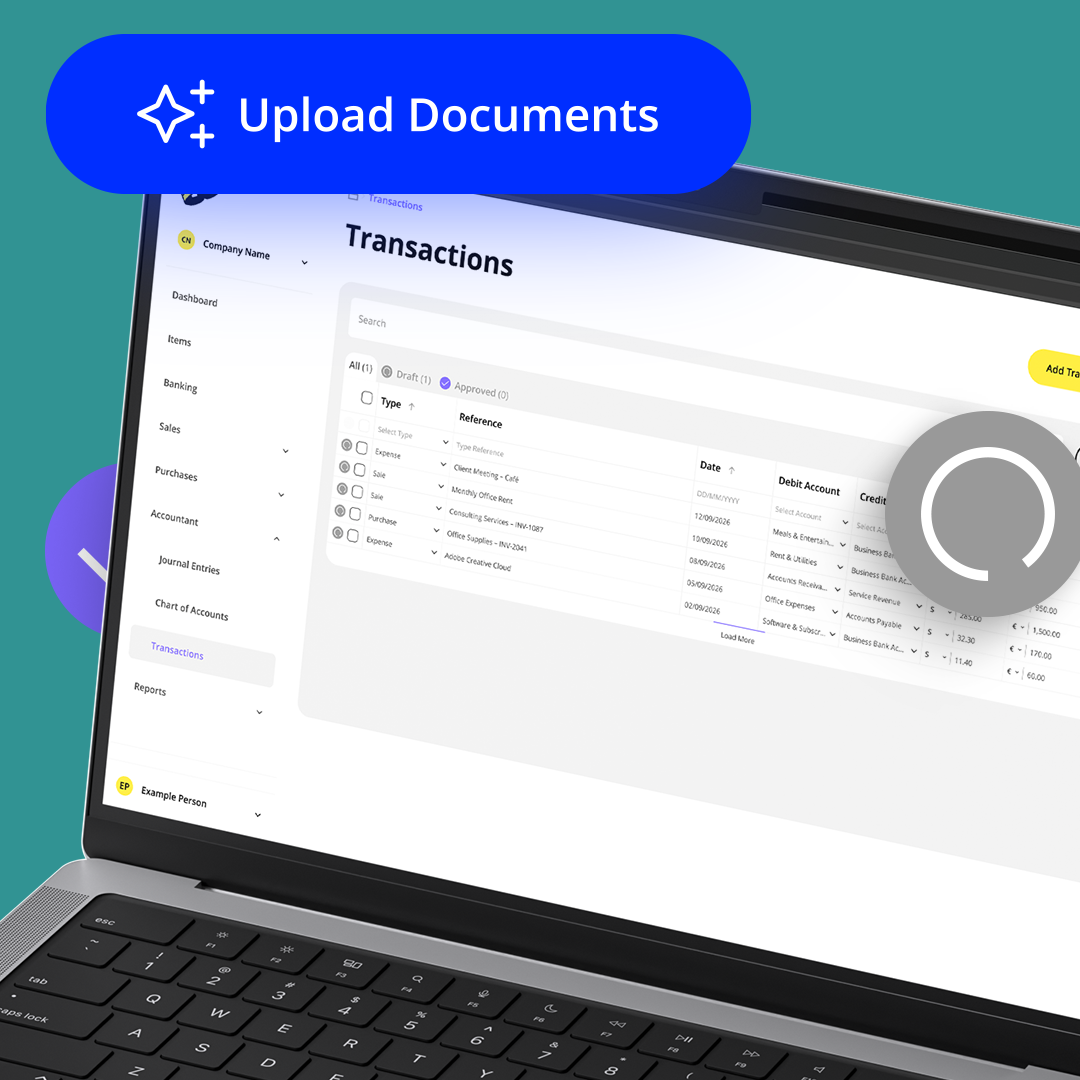
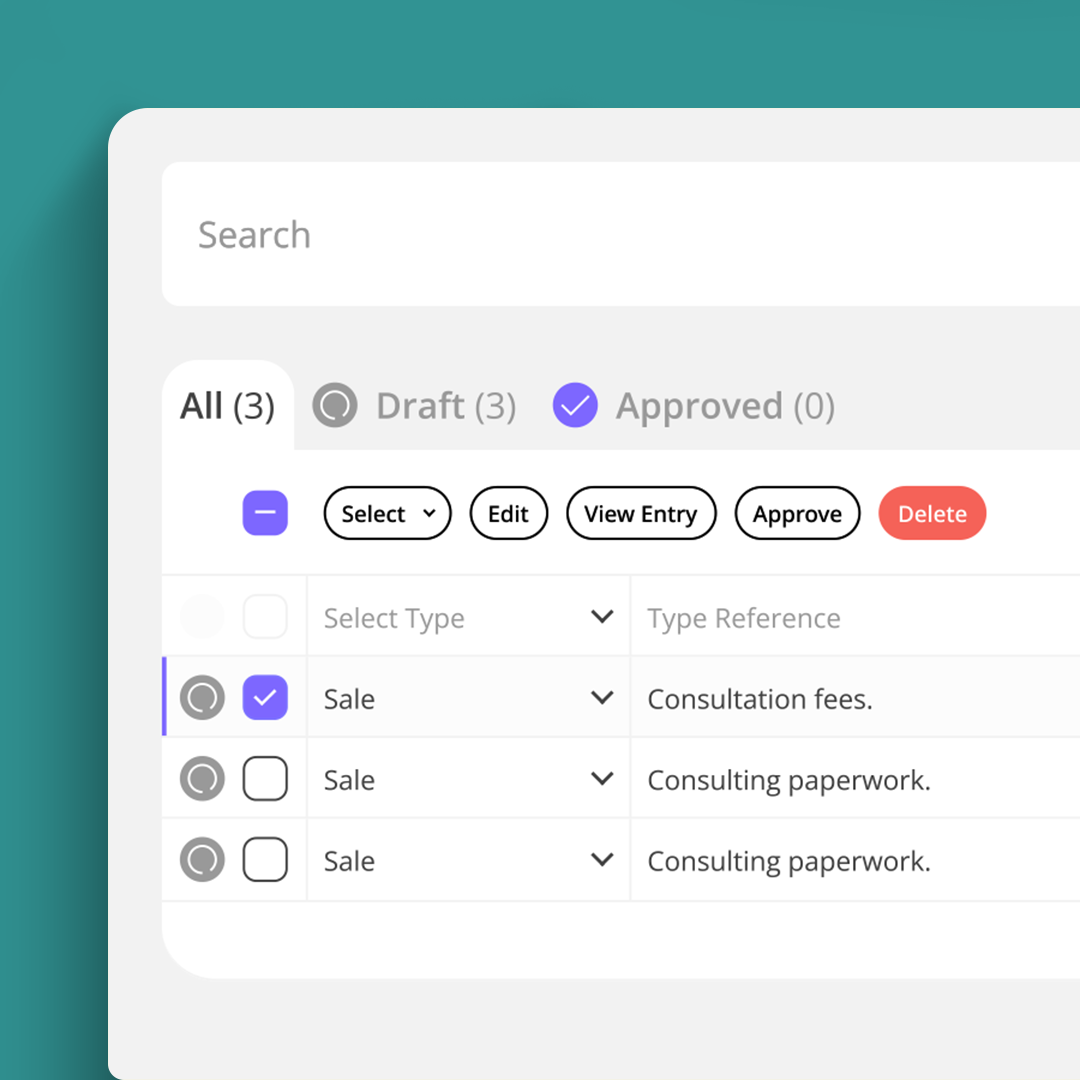
Balabook’s Transactions workspace is your central ledger, the place where every sale, expense, payment, refund, and AI-created draft transaction comes together. It’s designed to be lightning-fast, easy to use, and powerful enough to handle everything from daily bookkeeping to detailed VAT and profit & loss reports.

Why you’ll love it.

Bookkeeping shouldn’t feel like a chore.

With Balabook, recording and reviewing transactions becomes effortless. Fast entry, built-in accuracy, and AI that helps turn receipts, invoices, and financial documents into draft transactions you can review and approve.
  • Work faster: Log and review transactions quickly with a streamlined, keyboard-first design.
  • Let AI handle the first draft: Upload receipts, invoices, or financial documents and Balabook AI extracts key details to create a draft entry.
  • Less effort, more accuracy: Enter simple details, and Balabook takes care of the double-entry accounting in the background.
  • Never miss the details: Expand transactions into multiple lines for mixed VAT rates or different revenue streams.
  • Be tax-ready: Every entry is VAT-aware and flows directly into your reports.
  • Stay organised: Scroll through your financial history in an easy-to-read timeline and find what you need instantly.

Why it matters.

Balabook’s Transactions workspace helps you:
  • Save hours with faster entry and AI-driven document parsing.
  • Reduce manual data entry by turning documents into draft transactions.
  • Stay compliant by making every transaction VAT-ready automatically.
  • Keep complete control with a clear timeline and powerful search.
  • Focus less on bookkeeping and more on growing your business.

We know the struggles. Here's how we fix them.

Pain Point
Balabook Solution
Manual data entry slows you down.
Accountants waste hours entering transactions line by line and constantly switching between mouse, keyboard and documents.
AI assisted transaction entry.
Upload receipts, invoices or financial documents and Balabook AI extracts the key details to create a draft transaction you can review and approve.
Complex invoices create VAT chaos.
Handling multiple VAT rates or expense categories manually can lead to errors and delays.
Split and expand with ease.
Break down invoices into multiple line items and automatically apply the right VAT per line.
VAT compliance is stressful.
Missing details like exemptions or reverse charges can cause costly VAT reporting issues.
Always VAT ready.
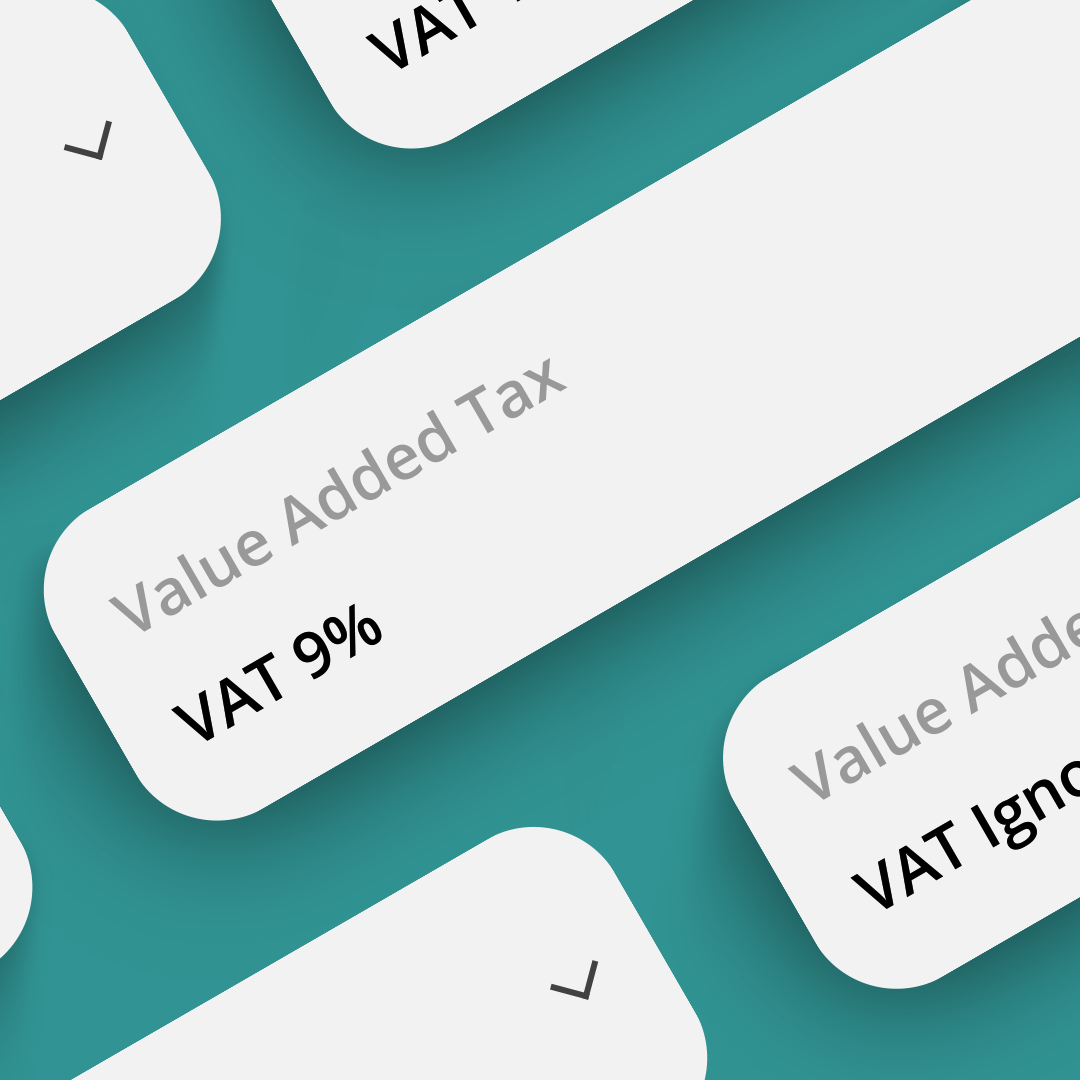
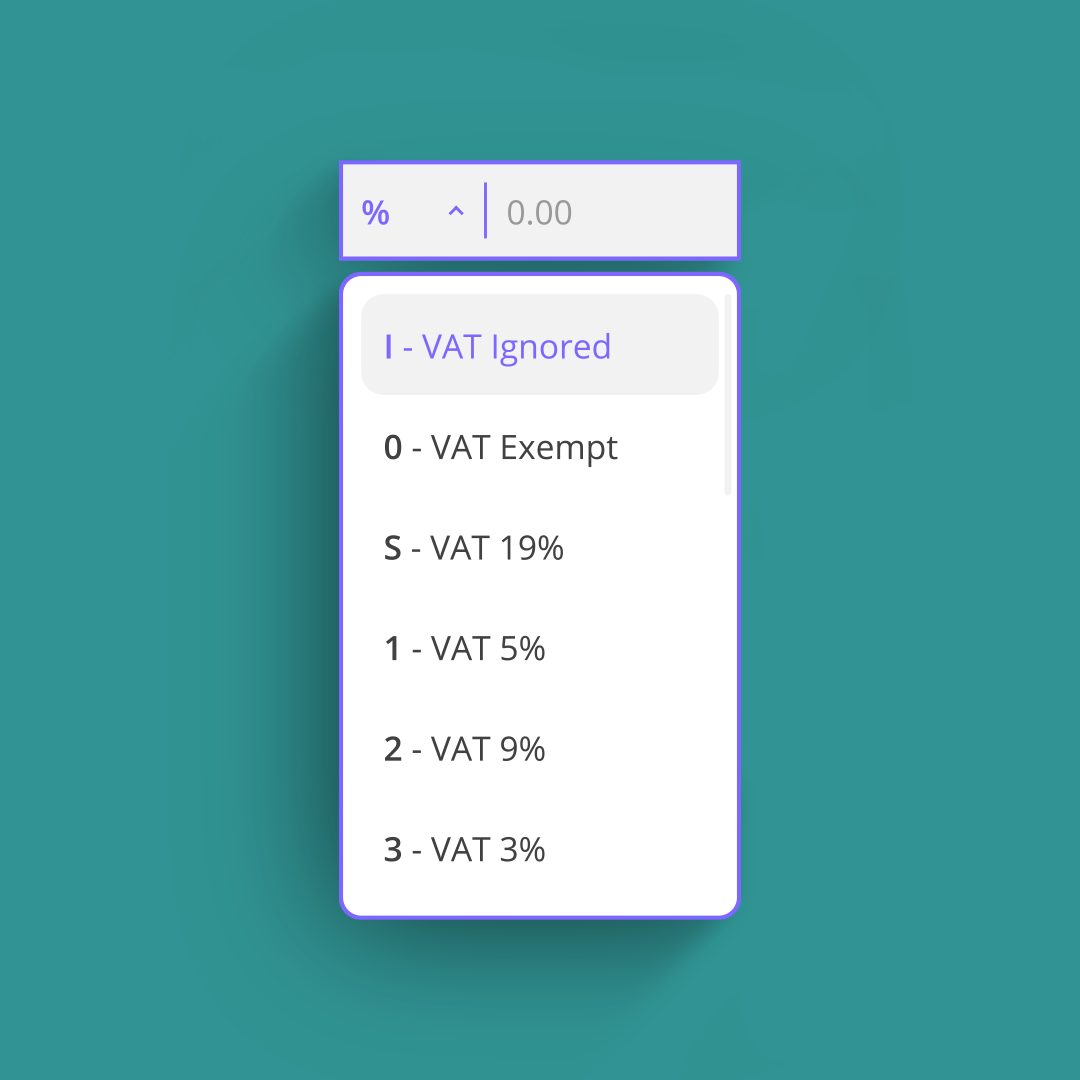
Balabook applies VAT codes by default, with built in support for exemptions, reverse charges and multiple rates.
Data extraction takes forever.
Manually pulling amounts, VAT, dates, suppliers and categories from invoices or receipts increases errors and wastes time.
AI powered document parsing.
Upload receipts, invoices or financial documents. Balabook reads them, extracts key data and drafts your entry automatically.
Searching past records is painful.
Digging through spreadsheets or clunky systems to find one transaction can take ages.
Smart timeline and powerful search.
Filter by date, type, account or keyword to instantly locate any transaction, even in thousands of records.
Not everyone knows double entry.
Small businesses or junior staff often make mistakes without formal accounting training.
Automatic double entry.
Balabook applies correct debits, credits and tax treatment behind the scenes, helping keep records accurate without the jargon.

AI powered document parsing.

Upload receipts, invoices or financial documents, and Balabook AI scans the file, extracts key details like amounts, VAT, dates, suppliers and categories, then creates a draft transaction for you to review and approve.

AI does the first pass. You stay in control.
Fast, keyboard first entry.

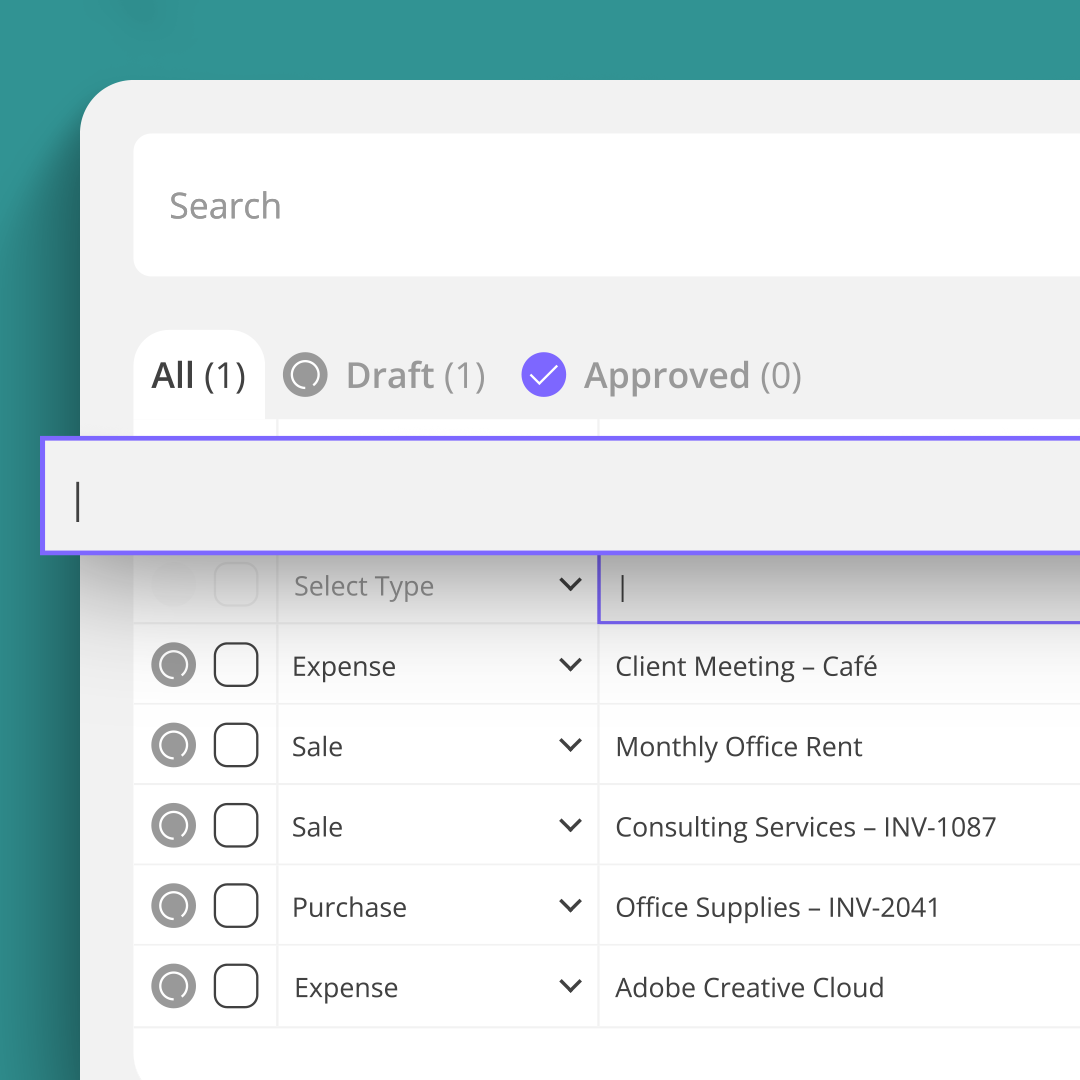
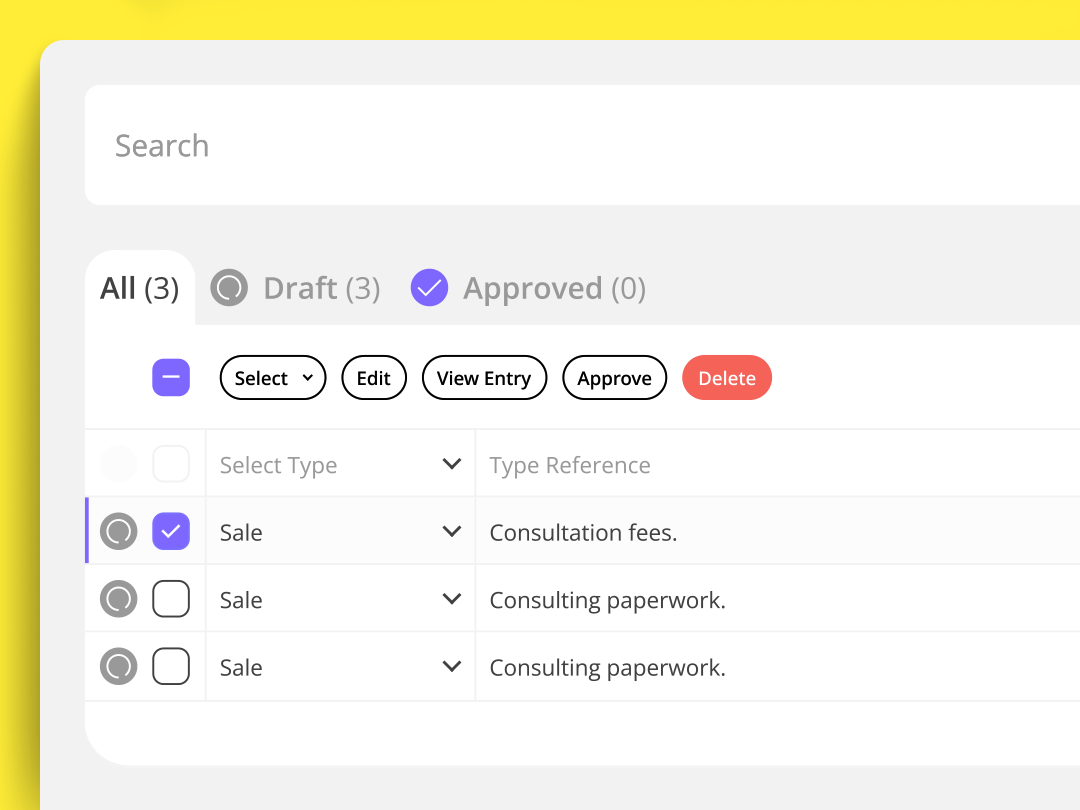
Work at your natural speed. Tab through fields, search and submit entries without touching your mouse. Smooth, fast and built for high volume accounting.

Automatic double entry.

Balabook handles the complexity for you. It automatically applies the correct debit, credit and VAT treatment for every transaction.

Split and expand with ease.

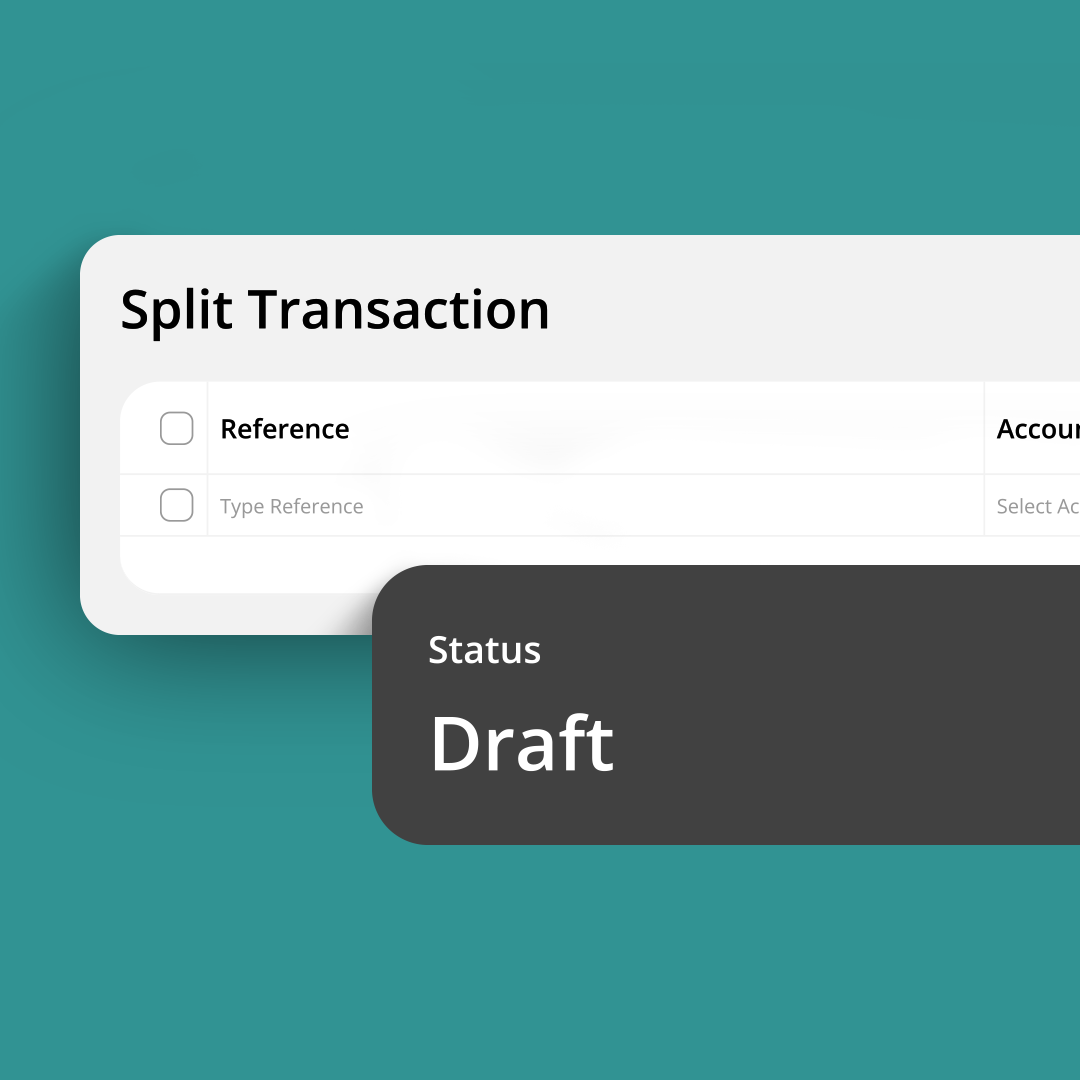
Invoices with multiple VAT rates? Expenses covering different categories? Expand transactions into detailed line items so everything is recorded accurately and tax ready.

Always VAT ready.

Every entry captures VAT treatment per line, including exemptions, reverse charges and multiple tax rates, keeping your reports accurate by default.

Smart timeline and search.

Scroll through transactions chronologically, expand rows for detail and use powerful filters to find records by date, type, account or keyword, even in huge datasets.

FAQ's:

1. What is transaction management in Balabook?
SaaS Webflow Template - Manhattan - Created by Wedoflow.com and Azwedo.comSaaS Webflow Template - Manhattan - Created by Wedoflow.com and Azwedo.com
Transaction management in Balabook gives you one central workspace to record, review and manage sales, expenses, payments, refunds and other accounting entries.
2. Can Balabook AI create draft transactions from documents?
SaaS Webflow Template - Manhattan - Created by Wedoflow.com and Azwedo.comSaaS Webflow Template - Manhattan - Created by Wedoflow.com and Azwedo.com
Yes. Upload a receipt, invoice or financial document, and Balabook AI extracts the key details to create a draft transaction. You can review, edit and approve it before posting.
3. Does Balabook AI automatically post transactions to my books?
SaaS Webflow Template - Manhattan - Created by Wedoflow.com and Azwedo.comSaaS Webflow Template - Manhattan - Created by Wedoflow.com and Azwedo.com
No. Balabook AI helps prepare draft transactions, but you stay in control. You can review and approve the details before anything is posted.
4. Do I need to know double entry accounting?
SaaS Webflow Template - Manhattan - Created by Wedoflow.com and Azwedo.comSaaS Webflow Template - Manhattan - Created by Wedoflow.com and Azwedo.com
No. Balabook handles the debits, credits and tax treatment automatically, so you can record what happened without needing to manage the accounting logic yourself.
5. Can I handle complex transactions?
SaaS Webflow Template - Manhattan - Created by Wedoflow.com and Azwedo.comSaaS Webflow Template - Manhattan - Created by Wedoflow.com and Azwedo.com
Yes. You can split entries across multiple lines for mixed VAT rates, different categories or more detailed reporting.
6. How does Balabook help with VAT on transactions?
SaaS Webflow Template - Manhattan - Created by Wedoflow.com and Azwedo.comSaaS Webflow Template - Manhattan - Created by Wedoflow.com and Azwedo.com
Balabook keeps transactions VAT aware, with support for multiple VAT rates, exemptions and reverse charges, helping you keep your reports accurate.
7. Can I search past transactions easily?
SaaS Webflow Template - Manhattan - Created by Wedoflow.com and Azwedo.comSaaS Webflow Template - Manhattan - Created by Wedoflow.com and Azwedo.com
Yes. You can filter transactions by date, type, amount, tax code or keyword, even when working with thousands of records.
8. Can I upload receipts and invoices?
SaaS Webflow Template - Manhattan - Created by Wedoflow.com and Azwedo.comSaaS Webflow Template - Manhattan - Created by Wedoflow.com and Azwedo.com
Yes. You can upload receipts and invoices, then Balabook helps extract the details and create a draft entry for review.
9. Is my transaction data secure?
SaaS Webflow Template - Manhattan - Created by Wedoflow.com and Azwedo.comSaaS Webflow Template - Manhattan - Created by Wedoflow.com and Azwedo.com
Yes. Balabook protects your financial data with secure encryption and controlled access, helping keep sensitive business information private and protected.