Multi-company accounting made simple with Balabook.

Managing multiple businesses under one roof can be challenging, but it does not have to be.

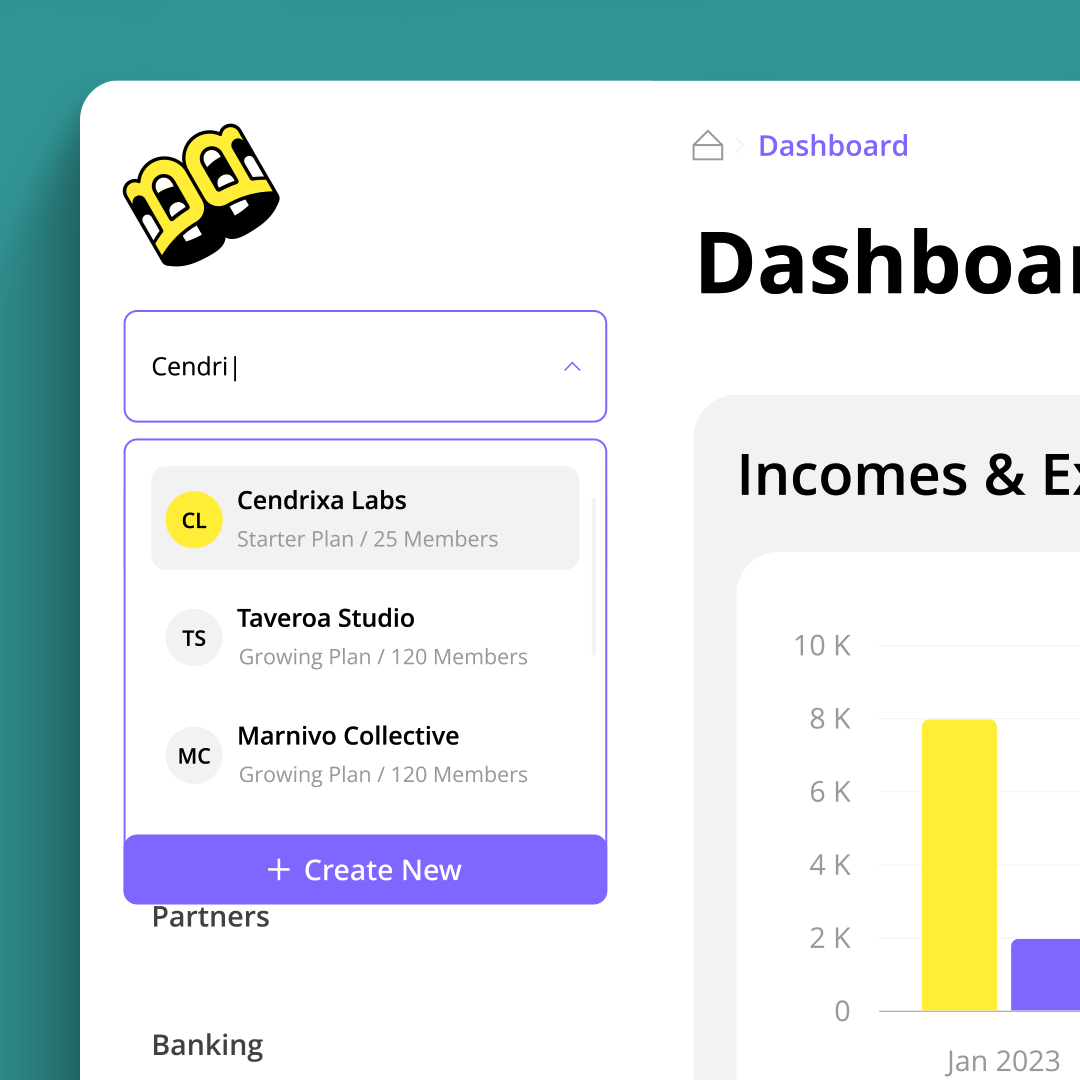
With Balabook’s multi-company accounting software, you can manage multiple businesses from one account, switch between companies easily and keep each entity’s financial records organised.

Whether you manage multiple subsidiaries, run more than one business or support several clients as an accountant, Balabook helps you work faster and stay in control.

Streamlined accounting for multi-business management.

Managing multiple businesses can get complicated, especially when each company has its own invoices, expenses, transactions, reports and users.

Balabook simplifies the process by giving you one platform to manage multiple business profiles while keeping each company’s records separate.

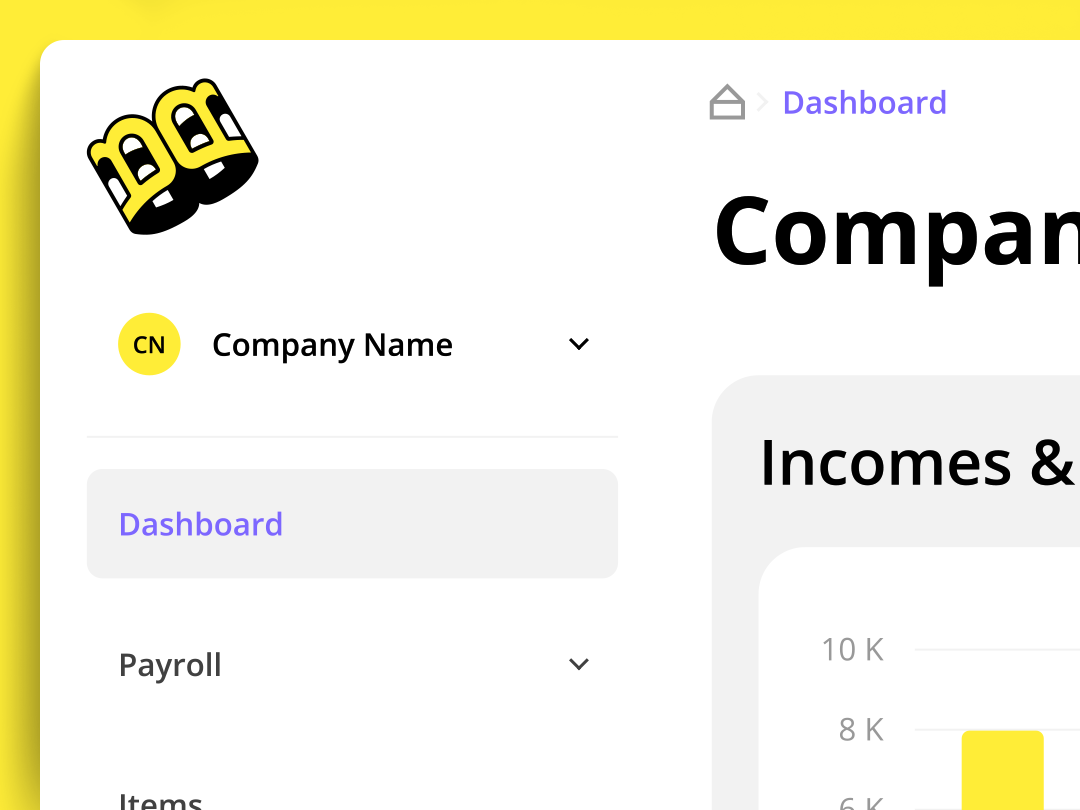
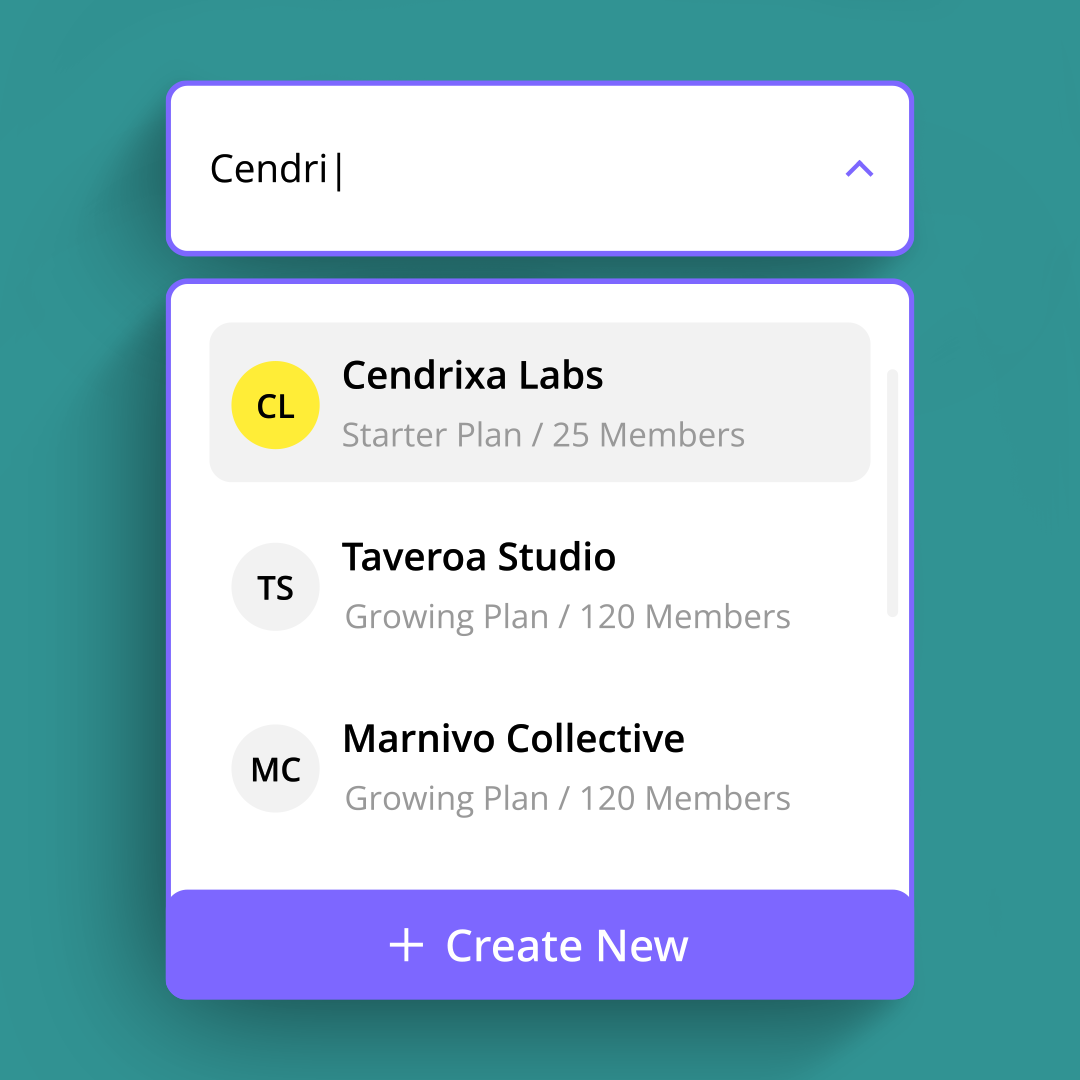
Create and manage multiple companies under one account, switch between them easily and get a clearer view of the businesses you manage from one central workspace.
Spend less time switching between systems.

Managing more than one business often means jumping between accounts, tools, spreadsheets and logins.

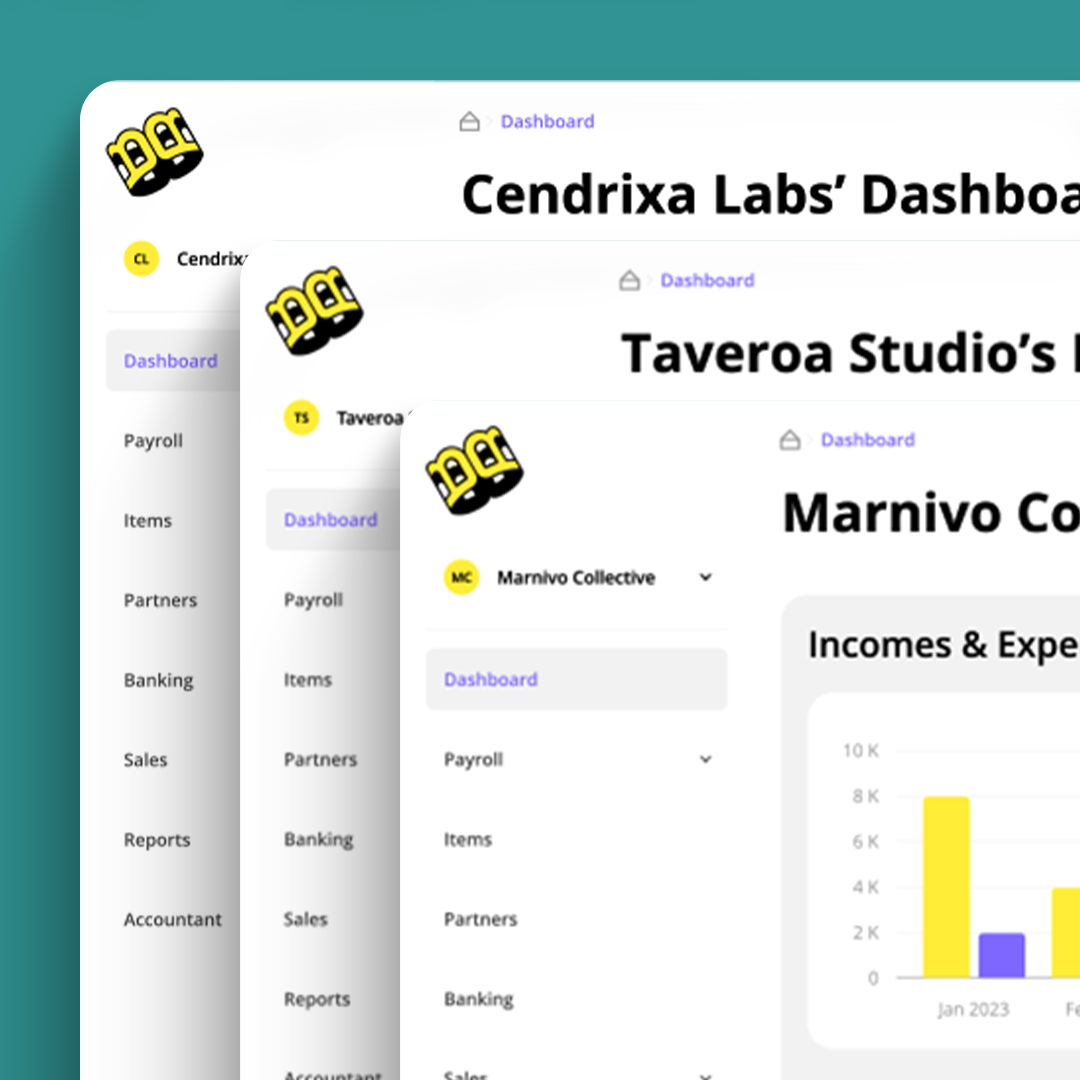
Balabook helps reduce that friction. You can move between companies in just a few clicks, manage each entity separately and keep accounting work organised without constantly logging in and out of different systems.

Less switching. Less admin. More control.

Centralised financial management.

Managing the finances of multiple businesses across different systems can quickly become messy.

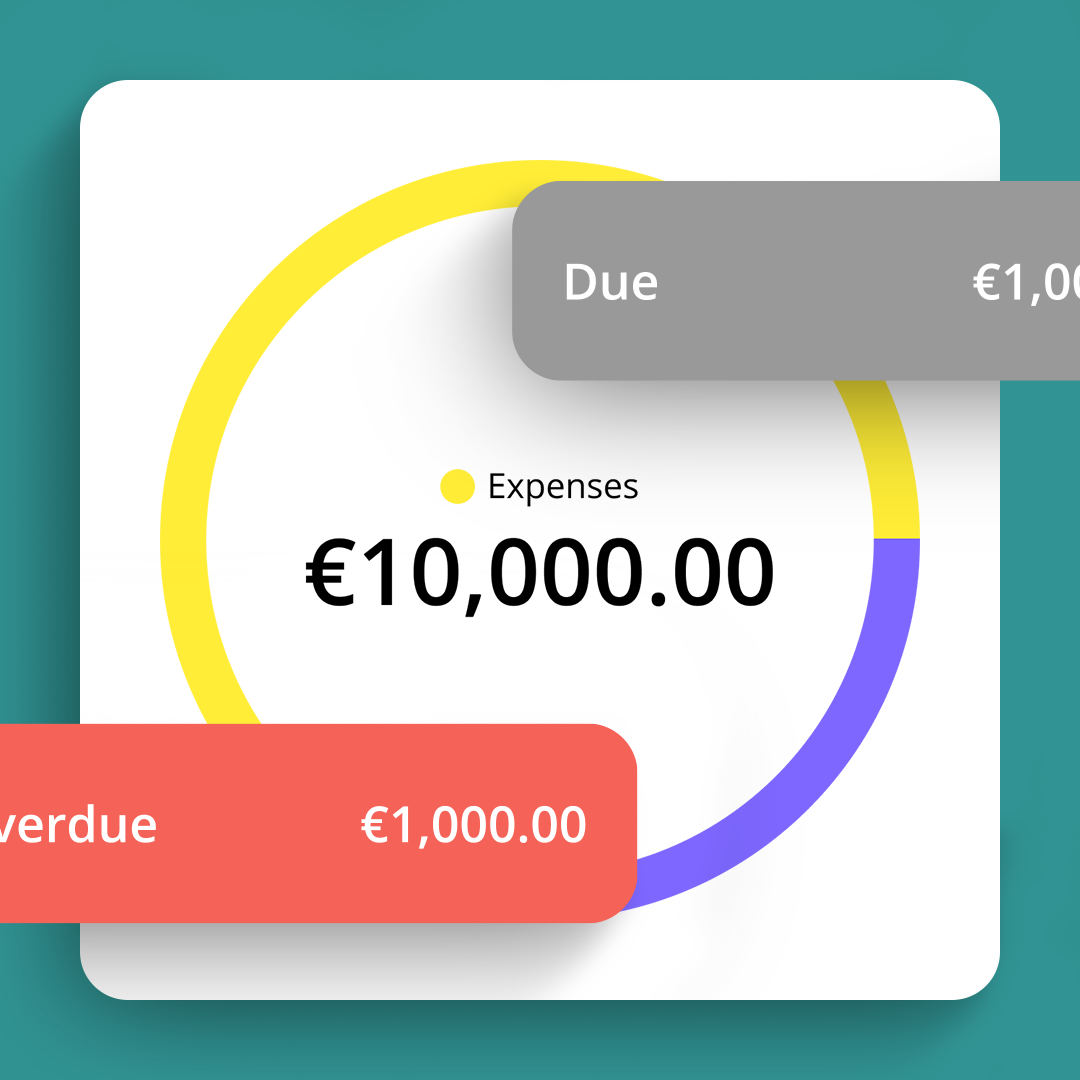
With Balabook, you can oversee all your companies from one central account while keeping each business profile separate. This gives you a clearer view of each company’s financial health and helps you make better decisions across your business portfolio.

Separate records for every company.

Each company in Balabook keeps its own financial records.

Invoices, expenses, transactions, reports and users can be managed per business, helping you keep financial data organised and easier to review.

This is useful for business owners managing multiple entities and accountants managing multiple clients.

Customised reporting for each business.

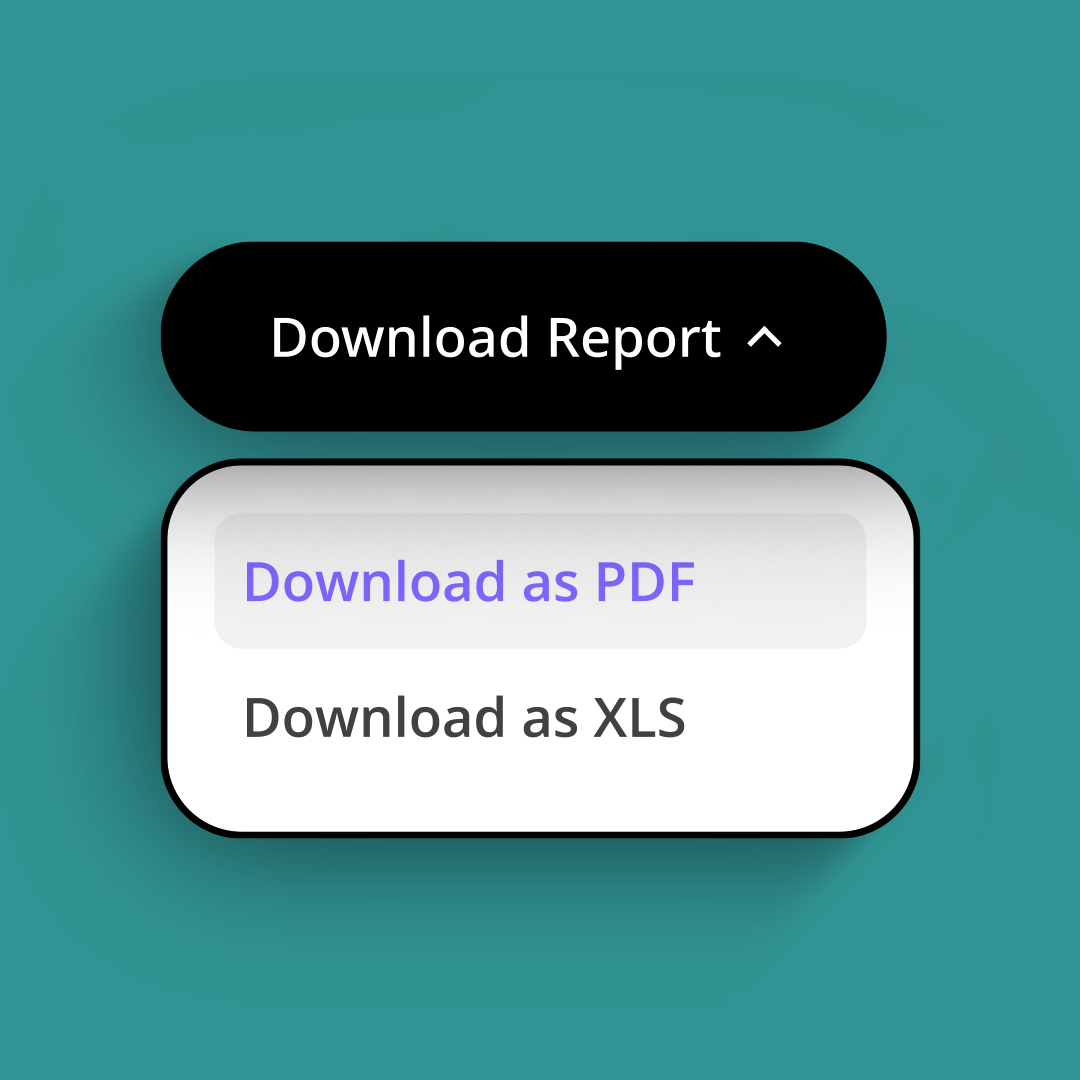
Balabook’s multi-company accounting tools help you generate reports for each company you manage.

Review performance by entity, track key financial information and understand how each business is doing without mixing records between companies.

Use reports such as Profit & Loss, Balance Sheet, Trial Balance, Cash Flow and other financial reports to keep better visibility across your companies.

Collaborate with your team.

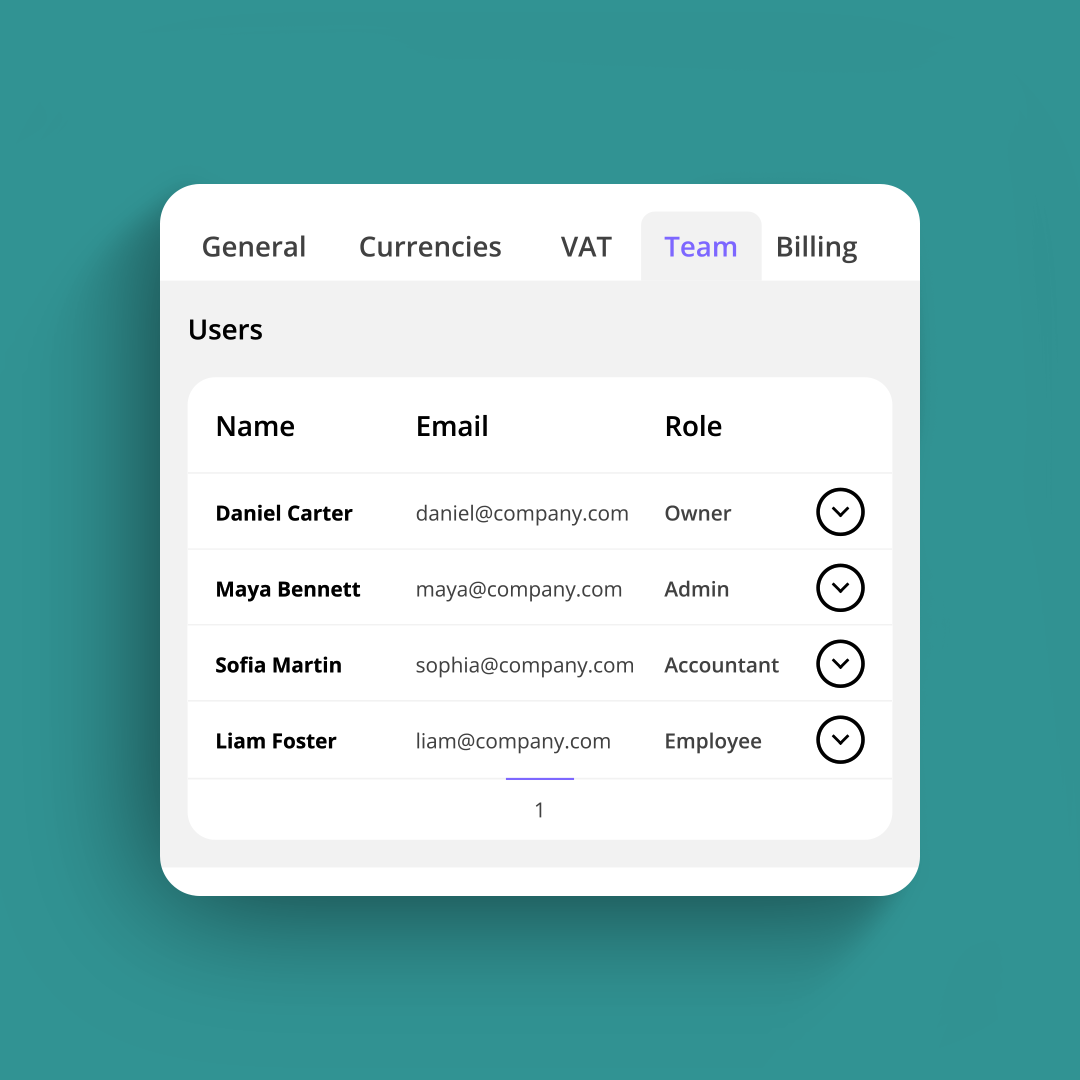
Invite team members, accountants, advisors or partners to the companies they need to access.

Balabook helps you control user roles and permissions, so each person can work with the right company data without seeing more than they need.

This makes collaboration easier across multiple businesses, clients or internal teams.

Multi-currency support across companies.

If your companies work internationally, Balabook helps you manage multi-currency activity more easily.

Create invoices in different currencies, use daily exchange rates and keep international records clearer across the businesses you manage.

Secure data for every business.

Balabook protects sensitive financial information with secure encryption and controlled access.

Each company’s data is kept organised, protected and easier to manage, giving business owners and accountants more confidence when working across multiple entities.

Balabook multi-company accounting key benefits.

1
Manage multiple companies.
Create and manage multiple business profiles from one Balabook account.
2
Switch between businesses easily.
Move between companies without logging out or changing systems.
3
Keep records separate.
Maintain separate financial records for each company, including invoices, expenses, transactions and reports.
4
Better visibility.
Review each company’s financial position and understand performance across your business portfolio.
5
Custom reporting.
Generate reports for individual companies to track performance and support better decisions.
6
Team collaboration.
Invite accountants, team members or advisors and manage access levels for each company.
7
Multi-currency support.
Manage international invoicing and multi-currency activity across your companies.
8
Secure access.
Protect business data with secure encryption and controlled user permissions.

FAQ's:

1. What is multi-company accounting software?
SaaS Webflow Template - Manhattan - Created by Wedoflow.com and Azwedo.comSaaS Webflow Template - Manhattan - Created by Wedoflow.com and Azwedo.com
Multi-company accounting software lets you manage more than one company from a single account or platform. With Balabook, you can create multiple business profiles, keep records separate and switch between companies easily.
2. How do I set up multiple businesses in Balabook?
SaaS Webflow Template - Manhattan - Created by Wedoflow.com and Azwedo.comSaaS Webflow Template - Manhattan - Created by Wedoflow.com and Azwedo.com
You can add multiple businesses under one account. Once your first company is created, you can add another company from your Balabook dashboard.
3. Can I switch between businesses easily within Balabook?
SaaS Webflow Template - Manhattan - Created by Wedoflow.com and Azwedo.comSaaS Webflow Template - Manhattan - Created by Wedoflow.com and Azwedo.com
Yes. Balabook makes it simple to switch between companies, so you do not need to log out or use separate systems for every business.
4. Are the financial records for each business kept separate?
SaaS Webflow Template - Manhattan - Created by Wedoflow.com and Azwedo.comSaaS Webflow Template - Manhattan - Created by Wedoflow.com and Azwedo.com
Yes. Each business profile keeps its own financial records, helping you maintain clear and organised data for every company.
5. Can I generate reports for individual businesses?
SaaS Webflow Template - Manhattan - Created by Wedoflow.com and Azwedo.comSaaS Webflow Template - Manhattan - Created by Wedoflow.com and Azwedo.com
Yes. Balabook allows you to generate reports for each business, including Profit & Loss, Balance Sheet, Trial Balance, Cash Flow and other financial reports.
6. Can I assign different user roles for each business?
SaaS Webflow Template - Manhattan - Created by Wedoflow.com and Azwedo.comSaaS Webflow Template - Manhattan - Created by Wedoflow.com and Azwedo.com
Yes. Balabook gives you flexible permissions, allowing you to assign different roles and access levels to team members, accountants or advisors for each company.
7. How does Balabook handle multi-currency transactions across different businesses?
SaaS Webflow Template - Manhattan - Created by Wedoflow.com and Azwedo.comSaaS Webflow Template - Manhattan - Created by Wedoflow.com and Azwedo.com
Balabook supports multi-currency transactions and daily exchange rates, helping you manage international invoicing and records across different companies.
8. Can I use the same email address for multiple business profiles?
SaaS Webflow Template - Manhattan - Created by Wedoflow.com and Azwedo.comSaaS Webflow Template - Manhattan - Created by Wedoflow.com and Azwedo.com
Yes. You can manage multiple business profiles under a single email address, making account management simpler.
9. Is there a limit to the number of businesses I can add?
SaaS Webflow Template - Manhattan - Created by Wedoflow.com and Azwedo.comSaaS Webflow Template - Manhattan - Created by Wedoflow.com and Azwedo.com
Balabook is designed to support users managing multiple companies. Plan limits may vary, so check your plan details or contact the Balabook team if you need to manage a large number of entities.
10. Is Balabook suitable for accountants managing multiple clients?
SaaS Webflow Template - Manhattan - Created by Wedoflow.com and Azwedo.comSaaS Webflow Template - Manhattan - Created by Wedoflow.com and Azwedo.com
Yes. Balabook is useful for accountants who need to manage multiple client companies, keep records separate and collaborate with clients from one platform.
11. How does Balabook keep data secure across multiple businesses?
SaaS Webflow Template - Manhattan - Created by Wedoflow.com and Azwedo.comSaaS Webflow Template - Manhattan - Created by Wedoflow.com and Azwedo.com
Balabook protects business data with secure encryption and controlled access, helping keep each company’s financial information private and protected.