Multi-currency accounting software for global business owners.

Simplify international transactions with Balabook’s multi-currency accounting software.

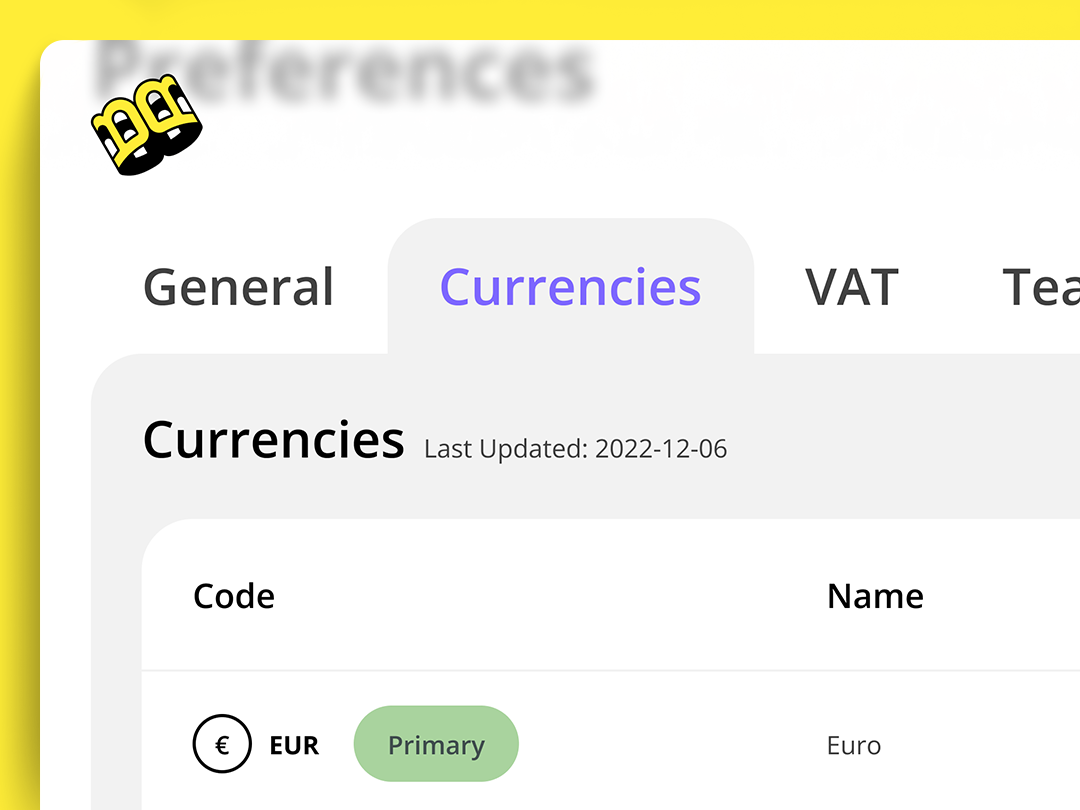
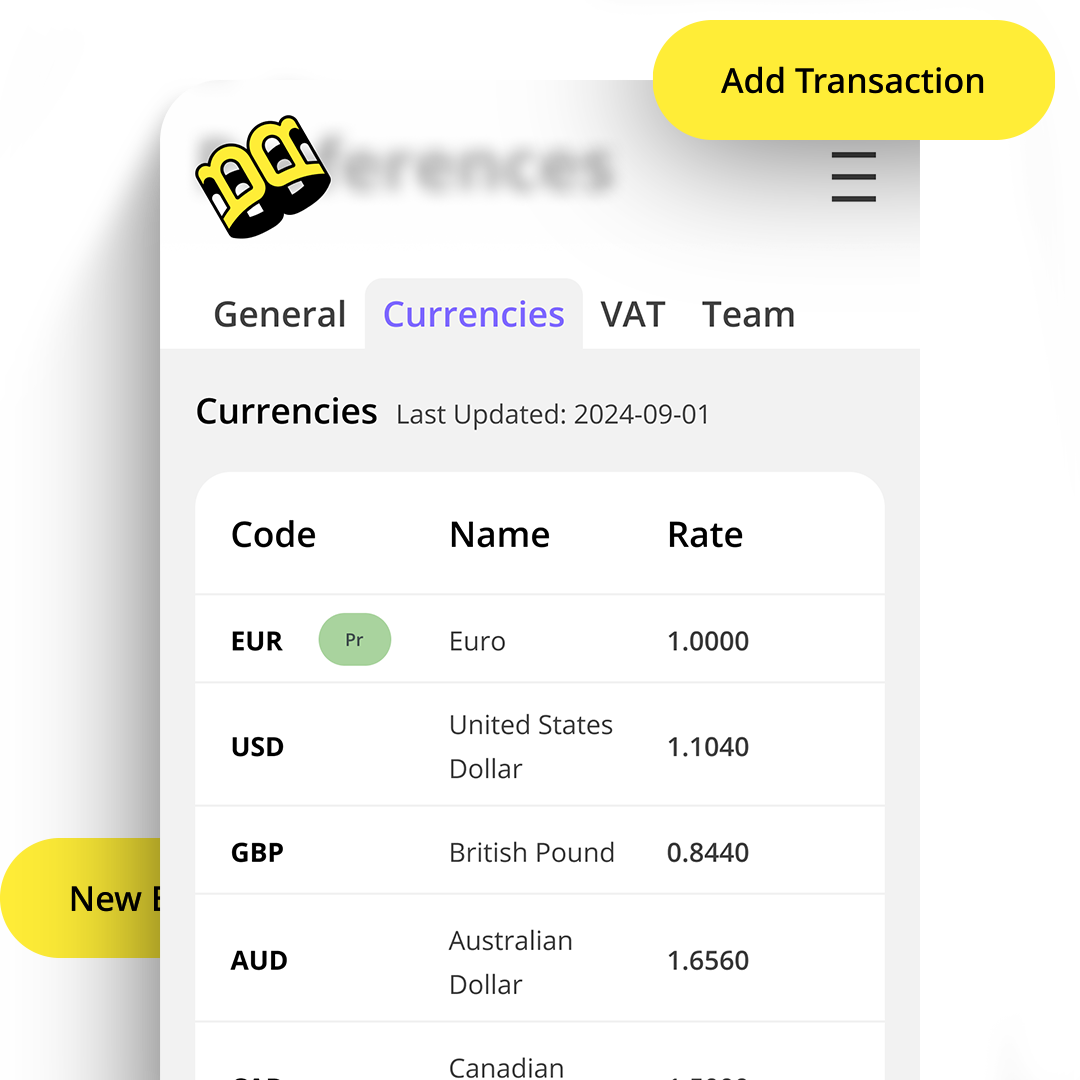
Automatically use daily exchange rates from the European Central Bank, create invoices in your client’s currency, and track exchange gains and losses with more accuracy.

You can also adjust exchange rates to match your bank, giving you more control over how international transactions are recorded.

Balabook helps business owners manage global invoicing, multi-currency transactions and financial reporting from one platform.
Manage global transactions with less manual work.

Working across currencies should not mean working across spreadsheets.

Balabook helps you manage international invoices and transactions with daily exchange rates, automatic currency conversion and clearer reporting on exchange gains and losses.
  • Invoice clients in different currencies.
  • Use daily exchange rates from the European Central Bank.
  • Adjust rates to match your bank when needed.
  • Track exchange gains and losses.
  • Record multi-currency transactions more accurately.
  • Generate reports that include multi-currency activity.
  • Manage international financial records from one platform.

Automatic daily exchange rates.

Balabook fetches daily exchange rates from the European Central Bank, helping you keep currency conversion accurate and up to date.

This removes the guesswork from international invoicing and helps make sure your transactions reflect current exchange rates.

Automatic currency conversion.

When you send an invoice, Balabook helps convert it into your client’s currency.

This saves you from manual calculations and makes international billing smoother, clearer and more professional for your clients.

Exchange gain and loss calculation.

Currency values change. Balabook helps you track the difference.

Balabook calculates exchange gains and losses, helping you understand how currency movement affects your financial records and business performance.

This gives you clearer reporting and better visibility across international transactions.

Customisable exchange rates.

Prefer to use your bank’s exchange rate? No problem.

Balabook allows you to adjust exchange rates to match your bank, giving you more control over your records and helping align your accounting with how payments are actually processed.

Multi-currency reporting.

Balabook helps you generate financial reports that include multi-currency transactions.

This gives you a clearer view of your business performance across currencies, helping you understand income, expenses and currency impact without manually rebuilding the numbers in spreadsheets.

Save time on international invoicing.

Balabook reduces the manual work behind global invoicing and foreign currency accounting.

By automating exchange rates, currency conversion and exchange gain or loss tracking, Balabook helps you spend less time calculating and more time growing your business.

Balabook multi-currency key benefits.

1
Invoice globally.
Create invoices in your client’s currency and manage international billing more easily.
2
Daily exchange rates.
Use daily exchange rates from the European Central Bank to keep conversions up to date.
3
Automatic conversion.
Reduce manual calculations when creating invoices and recording international transactions.
4
Exchange gain and loss tracking.
Track exchange gains and losses more clearly for better financial reporting.
5
Custom exchange rates.
Adjust rates to match your bank when needed.
6
Better financial visibility.
Generate reports that include multi-currency activity and understand performance across currencies.
7
Secure financial data.
Balabook protects your financial data with secure encryption and controlled access.

FAQ's:

1. What is multi-currency accounting software?
SaaS Webflow Template - Manhattan - Created by Wedoflow.com and Azwedo.comSaaS Webflow Template - Manhattan - Created by Wedoflow.com and Azwedo.com
Multi-currency accounting software helps businesses manage invoices, transactions and reports in more than one currency. Balabook supports international invoicing, daily exchange rates, currency conversion and exchange gain or loss tracking.
2. How does Balabook fetch daily exchange rates?
SaaS Webflow Template - Manhattan - Created by Wedoflow.com and Azwedo.comSaaS Webflow Template - Manhattan - Created by Wedoflow.com and Azwedo.com
Balabook automatically retrieves daily exchange rates from the European Central Bank, helping your financial transactions use current and accurate exchange rates.
3. Can I manually adjust the exchange rates used by Balabook?
SaaS Webflow Template - Manhattan - Created by Wedoflow.com and Azwedo.comSaaS Webflow Template - Manhattan - Created by Wedoflow.com and Azwedo.com
Yes. Balabook allows you to adjust exchange rates to match your bank, giving you more flexibility and control over how international transactions are recorded.
4. How does Balabook handle currency conversion for invoices?
SaaS Webflow Template - Manhattan - Created by Wedoflow.com and Azwedo.comSaaS Webflow Template - Manhattan - Created by Wedoflow.com and Azwedo.com
When you create an invoice in another currency, Balabook helps convert the amount using the relevant exchange rate. This reduces manual calculation and helps make international invoicing easier.
5. What is exchange gain and loss calculation?
SaaS Webflow Template - Manhattan - Created by Wedoflow.com and Azwedo.comSaaS Webflow Template - Manhattan - Created by Wedoflow.com and Azwedo.com
Exchange gain or loss calculation shows the difference caused by currency movements between the original transaction value and the final recorded or paid value. Balabook helps calculate these differences so your financial reports stay clearer.
6. Does Balabook support multiple currencies for different transactions?
SaaS Webflow Template - Manhattan - Created by Wedoflow.com and Azwedo.comSaaS Webflow Template - Manhattan - Created by Wedoflow.com and Azwedo.com
Yes. Balabook supports over 30 currencies, allowing you to handle international transactions, invoices and records more easily.
7. How can Balabook’s multi-currency features save me time?
SaaS Webflow Template - Manhattan - Created by Wedoflow.com and Azwedo.comSaaS Webflow Template - Manhattan - Created by Wedoflow.com and Azwedo.com
Balabook reduces manual work by handling daily exchange rates, currency conversion and exchange gain or loss tracking, helping you spend less time on calculations and spreadsheets.
8. Can I generate reports that include multi-currency transactions?
SaaS Webflow Template - Manhattan - Created by Wedoflow.com and Azwedo.comSaaS Webflow Template - Manhattan - Created by Wedoflow.com and Azwedo.com
Yes. Balabook allows you to generate financial reports that include multi-currency activity, giving you a clearer view of your business performance across currencies.
9. Is my financial data secure with Balabook?
SaaS Webflow Template - Manhattan - Created by Wedoflow.com and Azwedo.comSaaS Webflow Template - Manhattan - Created by Wedoflow.com and Azwedo.com
Yes. Balabook protects your financial data with secure encryption and controlled access, helping keep sensitive business information private and protected.
10. How do I get started with Balabook’s multi-currency features?
SaaS Webflow Template - Manhattan - Created by Wedoflow.com and Azwedo.comSaaS Webflow Template - Manhattan - Created by Wedoflow.com and Azwedo.com
Sign up to Balabook and start creating invoices, recording transactions and managing financial activity across multiple currencies from your account.